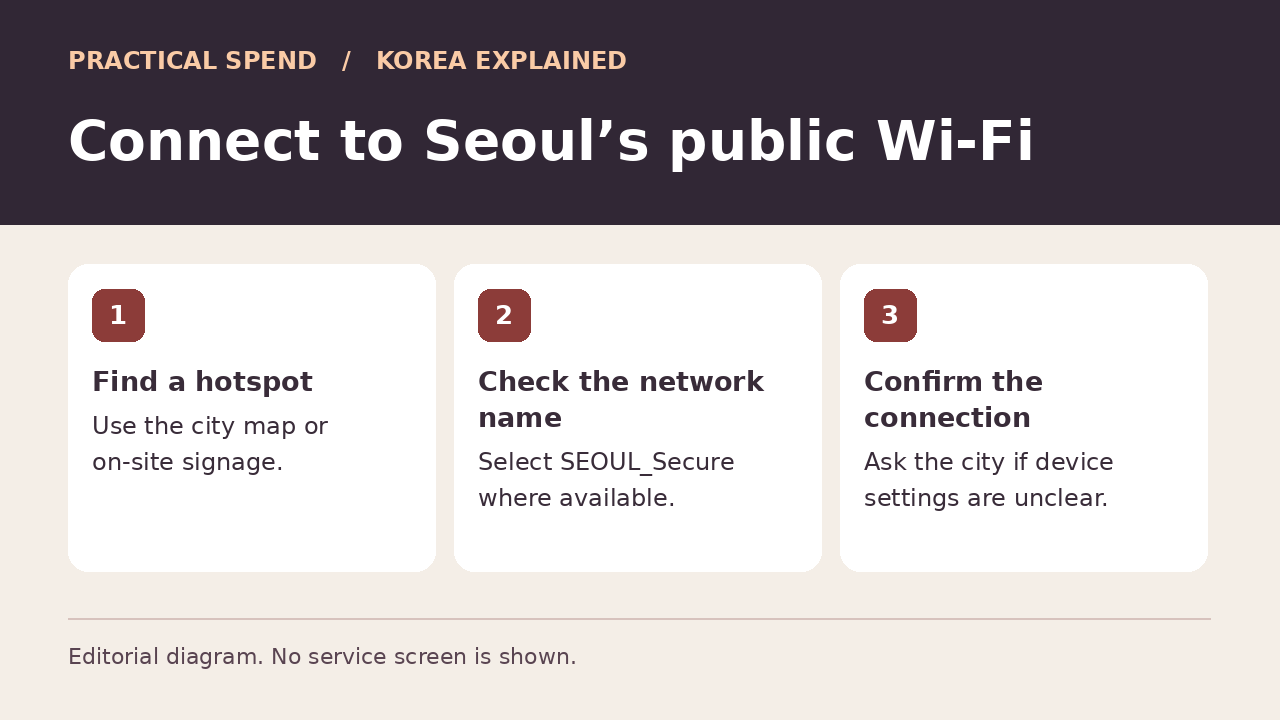
When you need Wi-Fi during an errand in Seoul, look for an official city hotspot and select SEOUL_Secure where available. Seoul’s October 2026 guidance says to enter lowercase seoul for both the ID and password. The city describes it as a free service available to anyone at participating locations. If your device asks for additional setup details you cannot verify, check the city instructions or ask for help before continuing.
Find a city hotspot
Seoul lists streets, markets, parks, buses, and tourist areas among its hotspot locations. Use the city’s public Wi-Fi map or posted signs to find the location, then check the network name in your Wi-Fi settings. Save the location or instructions beforehand if you expect to arrive without mobile data. A map marker indicates a listed hotspot. Signal and access can still vary at the point where you stand.
Choose the connection the city describes
Open your phone or laptop’s Wi-Fi settings. Select SEOUL_Secure, then use seoul as the ID and seoul as the password if prompted. The city says the secure option can reconnect after its initial setup and describes WPA2 or WPA3 Enterprise depending on device support. The settings screen can vary by device. If your device shows an unexpected certificate warning or asks for parameters you cannot verify, pause and ask the city for the current instructions for your model.
Seoul also lists SEOUL as its general connection. Its guide describes selecting that network and pressing the general connection button in the browser page each time. If you are preparing for a time-sensitive task that requires signing in or sending documents, keep a separate connection available in case a public hotspot is unavailable.
Know what to tell the help desk
Note the address or bus route, network name, approximate time, and the error message. The city lists 02-2133-0022 for its public Wi-Fi management center. The official setup notice is in Korean. English phone support was not confirmed.
Official sources and verification
- Seoul Metropolitan Government: SEOUL_Secure setup supports the free public scope, network names, public credentials, device-dependent security modes, general connection steps, and contact number. Checked November 13, 2026 (KST).
- Smart Seoul Map: public Wi-Fi is the city’s hotspot map. Checked November 13, 2026 (KST).
- Hands-on status: No hotspot was joined. Signal, device-specific certificate settings, and English telephone support remain unverified. Recheck the city instructions before publication and confirm on site.