Category: CRM

  • How to Handle a Customer CRM Correction Request in Korea

    How to Handle a Customer CRM Correction Request in Korea

    If a customer says your CRM contains the wrong phone number or address, open a correction case, verify the request through an approved channel, update the authoritative record, and check which connected systems still have the old value. Have a named person responsible for notifying the requester of the outcome.
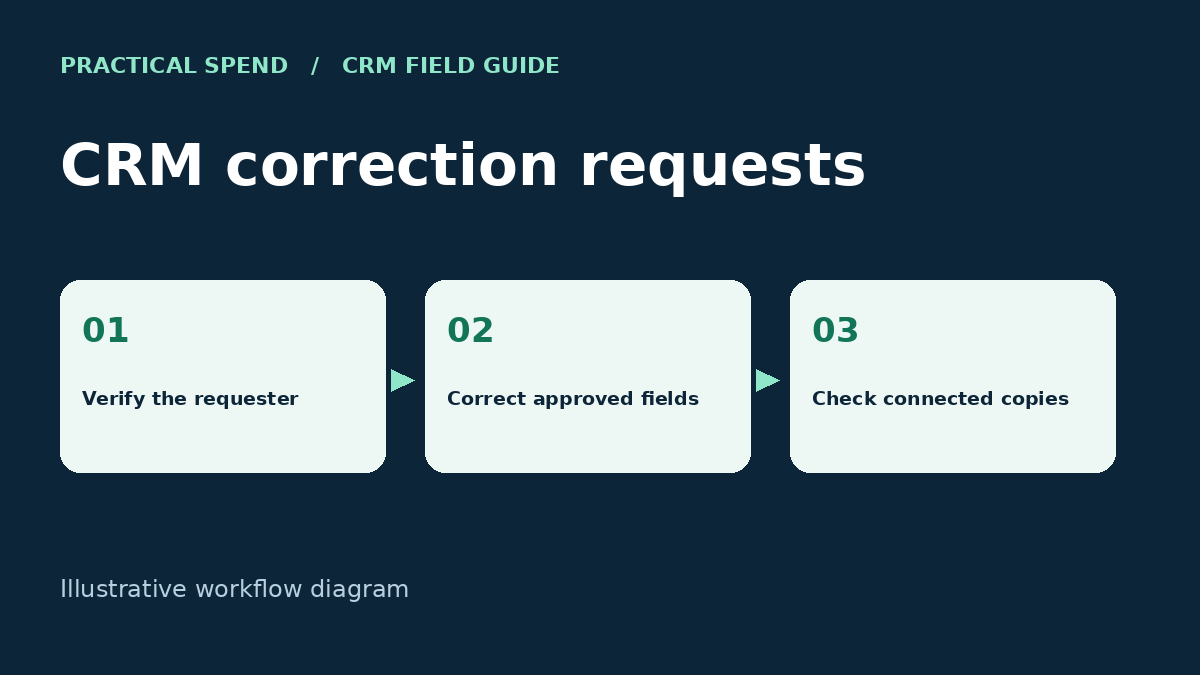
    CRM correction workflow from verifying the requester to correcting approved fields and checking connected copies.
    Original AI-assisted editorial workflow diagram. Not a product screenshot; contains no customer data.

    Separate a routine update from a formal request

    A signed-in customer updating a delivery address for a future order may be using an ordinary account process. A person who asks to correct data after accessing it under Article 35 of Korea’s Personal Information Protection Act may be exercising the correction right under Article 36. Article 36 provides for prompt investigation, necessary action, and notice of the result, with a qualification where another law prescribes a special procedure. Deletion has a separate qualification for information another law expressly requires to be collected. Route a formal or disputed request to the business’s designated privacy contact and check the applicable process and timing.

    Use a proportionate verification step

    Ask which field is wrong and which account or case the request concerns. Use an existing approved authentication method where available. An email asking to replace the account’s contact number may itself come from an unverified source, so confirm it through a trusted method before changing the account. Keep personal documents out of general chat and the shared ticket queue. If additional evidence is needed, use the approved channel and restrict access.

    Check where the value is copied

    LocationVerification
    Customer profileCorrect the authoritative field and confirm the saved value.
    Open order or appointmentConfirm whether the request applies to this item and what the system permits.
    Connected inbox or fulfillment toolCheck whether the update propagates or requires a separate action.
    Previous transactions or required recordsHave the responsible person determine whether to preserve the historical entry or add a correction.

    Avoid copying the incorrect and corrected values into several tracking documents. Keep a case reference, the scope of the change, the person who handled it, and evidence appropriate to your approved process.

    Notify and verify

    Use an approved reply channel. State which fields or records were handled, the effective scope, and any remaining issue the customer needs to know about. Use masked values where appropriate. In a fictional test, update a demo delivery profile while an order is open. Check whether the order inherited the change before promising that the next delivery will use it.

    FAQ

    What if I cannot verify the requester? Keep the case open and direct the person to the approved verification route. Restrict the response to what you can disclose before identity is verified.

    Can every connected copy be overwritten? Check the purpose of each record and any applicable requirements. A current profile and a historical transaction may need different treatment.

    Official sources and evidence

    Checked November 10, 2026 (KST). The listed findings are documentation-based. Examples and workflow decisions are editorial recommendations.

    Verification record

    • No live account, customer, transaction, or import tests were performed. Examples use fictional data.
    • Unverified in practice. Confirm current statutory procedure and timing, identity checks, and downstream correction process.
    • Search demand and keyword difficulty were unmeasured.
  • How to Handle Shared Email Addresses in HubSpot CRM

    How to Handle Shared Email Addresses in HubSpot CRM

    When two buyers use the same company inbox, treat the address as a contact route for that company. Keep separate records for the people whose responsibilities or histories you need to track. In HubSpot, contact matching uses email, so reusing a shared address on an import can cause the wrong person’s record to be updated.

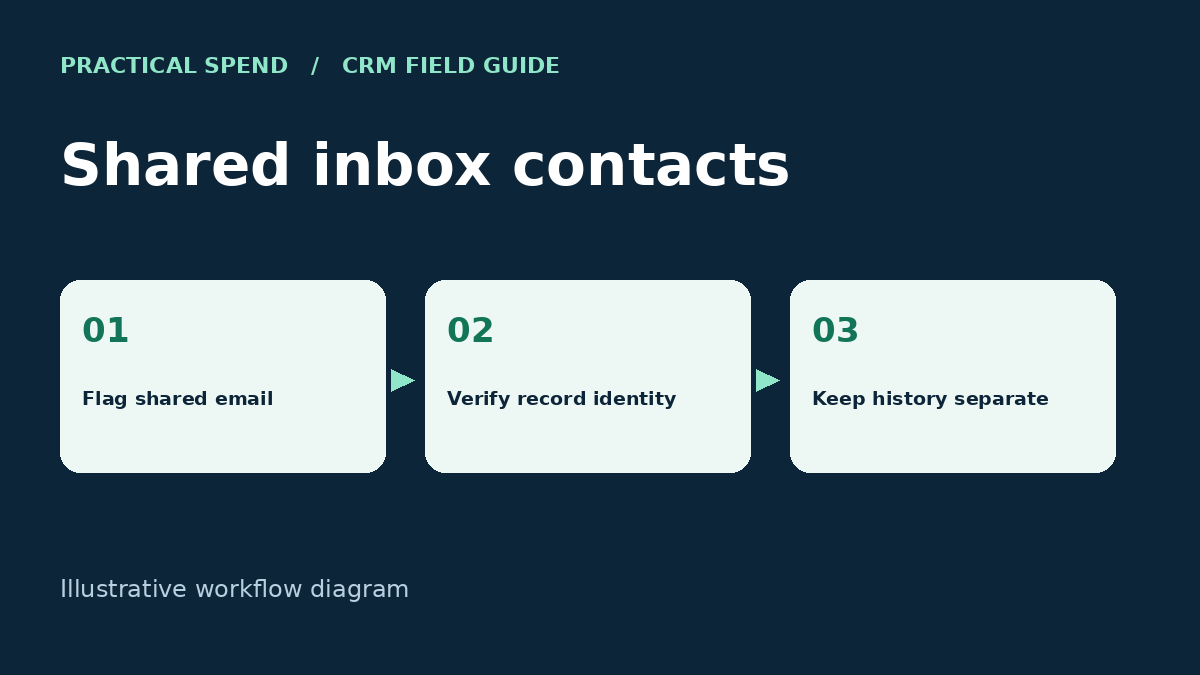
    Shared inbox workflow that flags the shared address, verifies record identity, and keeps histories separate.
    Original AI-assisted editorial workflow diagram. Not a product screenshot; contains no customer data.

    Decide what the address represents

    Use a fictional purchasing team as a model. One person approves orders and another books delivery, but both use the same role inbox. If you need that inbox for invoices or order updates, record it as a company-level contact route in an approved field or internal workflow. Keep each person’s role and history on the appropriate contact record. Add a unique business email only where it is verified and needed for the stated purpose.

    What you knowHow to record it
    Only a shared mailbox is knownRecord the route with the company and mark personal identity unresolved.
    Two people share a role inboxMaintain distinct histories and confirm which person handled each decision.
    A person has an approved, unique emailUse it on that person’s record after verification.
    The role inbox changed handsUpdate the contact route and preserve the history under the relevant records.

    Check identifiers before an update

    Export the relevant Record IDs from the destination CRM using authorized access. Map approved changes to those IDs. For a contact update, remove the shared mailbox column from the import unless modifying that exact destination field is the intended, reviewed operation. HubSpot documents that an update-only import fails for rows whose unique identifier does not match an existing record. Send those rows to review and reconcile the counts before another attempt.

    Test with fictional records

    Create two fictional contacts linked to one fictional company. Give them different activity notes and different intended roles. Run one small update against a known Record ID in a permitted test environment. Verify that only the intended record changed and both histories remain separate. Then review how your support and marketing systems interpret the shared address. Keep the company inbox out of promotional lists unless you have a reviewed basis for that use.

    FAQ

    Should I create a placeholder personal email? Leave the field blank when your setup allows it. Check the requirements for your specific creation or import path and use a reviewed identifier. An invented address can break identity matching or create a delivery problem.

    Can I treat an exact email match as proof of identity? An exact match identifies the mailbox. Confirm the person independently when the mailbox is shared, transferred, or managed by a team.

    Official sources and evidence

    Checked November 10, 2026 (KST). The listed findings are documentation-based. Examples and workflow decisions are editorial recommendations.

    Verification record

    • No live account, customer, transaction, or import tests were performed. Examples use fictional data.
    • Unverified in practice. Confirm fields, identifier options, and behavior in the target HubSpot account.
    • Search demand and keyword difficulty were unmeasured.
  • Return Request Triage for Korean Online Sellers: Assign the Next Decision

    Return Request Triage for Korean Online Sellers: Assign the Next Decision

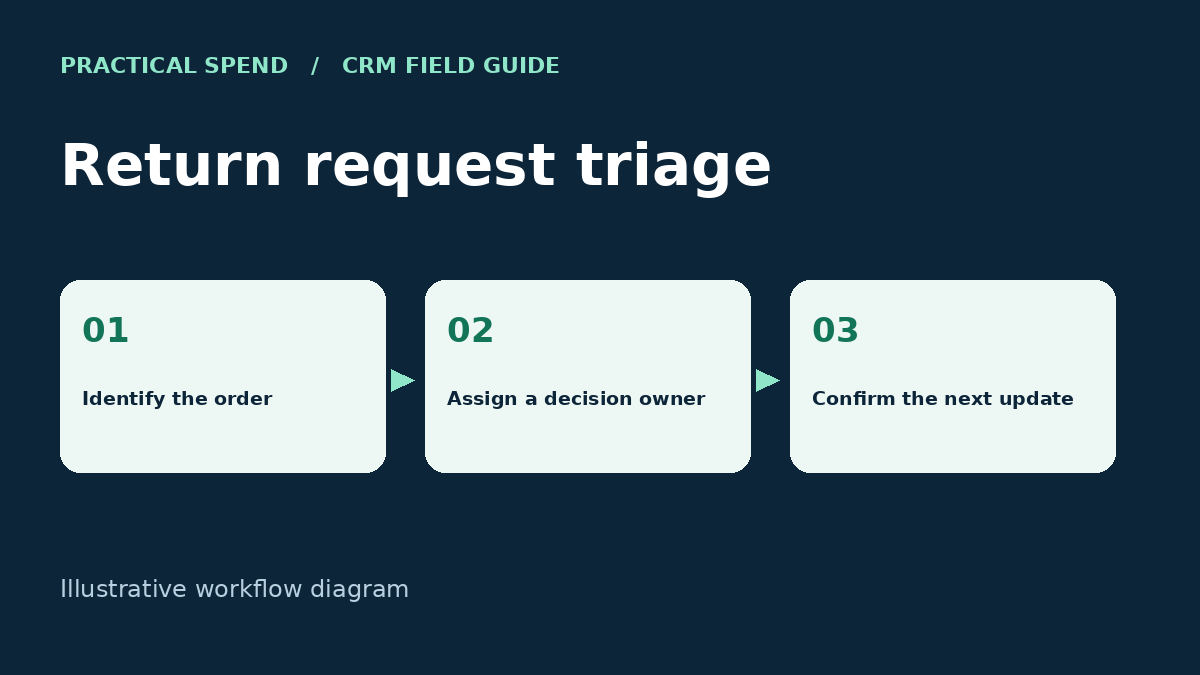
    When a buyer asks to return an order, the first support task is to give the case a decision owner and a time for the next update. A team can do this before it knows whether the return qualifies. Keep the marketplace’s order and dispute record open as the reference for the decision.

    Return request triage from identifying the order to assigning a decision owner and confirming the next update.
    Original AI-assisted editorial workflow diagram. Not a product screenshot; contains no customer data.

    Capture the request in one place

    Create a support ticket with the marketplace, order reference, item, buyer’s stated issue, and time received. Record the marketplace deadline if one is shown. If the customer contacts you through another channel about the same order, link that interaction to the ticket so the owner sees the full sequence. Keep payment details, identity documents, and unrelated attachments out of the ticket.

    Route by the decision required

    SituationOwnerNext action
    Buyer asks how to start a returnOn-duty supportConfirm the marketplace procedure and send the next step.
    Buyer reports damage or a wrong itemReturns leadReview the order and identify the evidence needed through the approved channel.
    Customer says a refund was already promisedReturns lead or supervisorCheck the original message and the marketplace record before giving a new estimate.
    Marketplace deadline is approaching and ownership is unclearOn-duty supervisorAssign a named owner and set a review time before the deadline.

    The queue identifies the team. The named owner is the person responsible for the next update. Zendesk’s documentation describes manual assignment through the Assignee field. Check group permissions on your plan if staff cannot see the intended queue. A spreadsheet or shared inbox can use the same operating rule with a named owner and an explicit due time.

    Acknowledge the case and set a review time

    A fictional example: “We received your return request for order DEMO-72. Our returns team will review the order and update you through this marketplace by 3 p.m. KST tomorrow.” Replace the example time with a window your team can meet and check the applicable platform deadline first. Record who will send that update. If the team needs more information, state the specific item and the approved channel.

    Close the loop

    Before closing the support ticket, compare the marketplace case and the CRM record. Confirm the decision, the time the buyer was informed, and any unresolved action such as a parcel still in transit. For training, run a fictional case in which a team member is out sick and the buyer sends a second message. The test passes when the backup can find the decision owner and the next update without making a duplicate promise.

    FAQ

    Does this workflow decide return eligibility? Eligibility, deadlines, remedies, and exceptions depend on the marketplace and applicable rules. Use the current rule for the specific order and send uncertain cases to the person authorized to decide.

    Official sources and evidence

    Checked November 10, 2026 (KST). The listed findings are documentation-based. Examples and workflow decisions are editorial recommendations.

    Verification record

    • No live account, customer, transaction, or import tests were performed. Examples use fictional data.
    • Unverified in practice. Verify the chosen marketplace’s rules and the team’s live ticket permissions.
    • Search demand and keyword difficulty were unmeasured.
  • How to Set Up KakaoTalk Channel 1:1 Chat for Customer Support

    How to Set Up KakaoTalk Channel 1:1 Chat for Customer Support

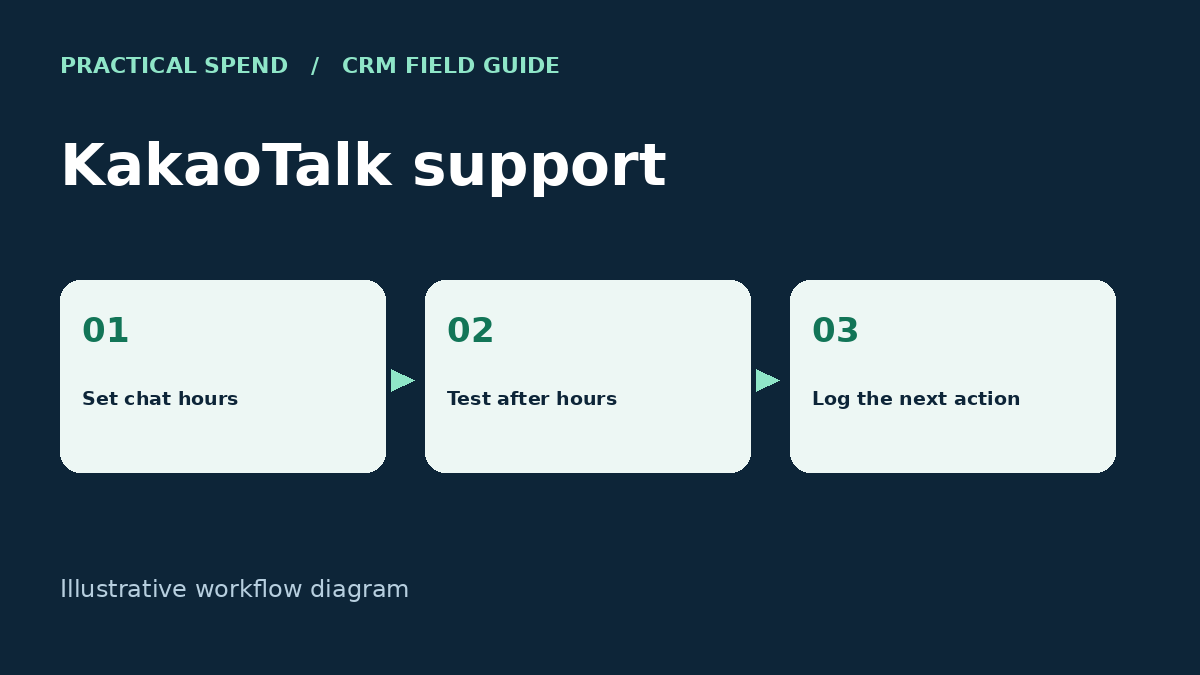
    If customers in Korea already use KakaoTalk to ask about appointments, orders, or availability, set up 1:1 chat on your business channel and publish the hours when someone can reply. Test what customers see after closing before you put the chat link on your website or receipts.

    Three steps for KakaoTalk support: set chat hours, test after hours, and log the next action.
    Original AI-assisted editorial workflow diagram. Not a product screenshot; contains no customer data.

    Set the hours your team can cover

    Open KakaoTalk Channel Manager and find 1:1 채팅 (1:1 chat). Complete any administrator verification the interface prompts for. In the chat settings, set the staffed hours for each day. If your shift crosses midnight, check the customer experience on both sides of midnight. Kakao documents overnight hours when the closing time is earlier than the start time. Staff availability is the starting point: choose hours your team can cover on its quietest weekday, then extend them as needed.

    Give customers a clear next step when chat is closed

    Use the closed-hours message to state when staff will review the inquiry and what information is useful. Keep the Korean and English versions aligned.

    Thanks for contacting us. We review messages Monday–Friday, 10 a.m.–5 p.m. Korea time. If your question concerns an order, please share your order reference only. We will confirm the next step during staffed hours.

    Kakao documents a closed-hours notice. Use your own test to see what happens to a message submitted while chat is closed before promising that the team will receive it.

    Run a customer-side test

    Use a test account and fictional order reference. During opening hours, confirm the account can start a chat and that the on-duty person can respond. Repeat after closing, read the exact notice, and check how the inquiry appears to staff. If two administrators are signed in, have one send the reply and the other verify who sent it. Kakao says administrator names shown for that purpose are visible to administrators. If you prepare saved replies, test them from the PC interface described in Kakao’s guide.

    Decide what to copy into the CRM

    A useful record may contain the support reference, inquiry category, next action, and due time. Restrict access to any necessary order details. Avoid copying complete chat histories, customer photos, or payment information by default. When an attachment is needed, use the business’s approved intake method.

    FAQ

    Do I need paid channel messaging to start? Kakao presents channel creation as free and documents inbound chat as a channel feature. Check pricing separately if you plan to add paid messages, partner services, or integrations.

    Can I promise an immediate reply? Publish a response window your team can cover. Test the handoff on a real shift using fictional data before adding the link to customer-facing material.

    Official sources and evidence

    Checked November 10, 2026 (KST). The listed findings are documentation-based. Examples and workflow decisions are editorial recommendations.

    Verification record

    • No live account, customer, transaction, or import tests were performed. Examples use fictional data.
    • Unverified in practice. Confirm live account labels, access and after-hours behavior.
    • Search demand and keyword difficulty were unmeasured.
  • Overseas CRM for a Korean Business: What to Check Before Importing

    Overseas CRM for a Korean Business: What to Check Before Importing

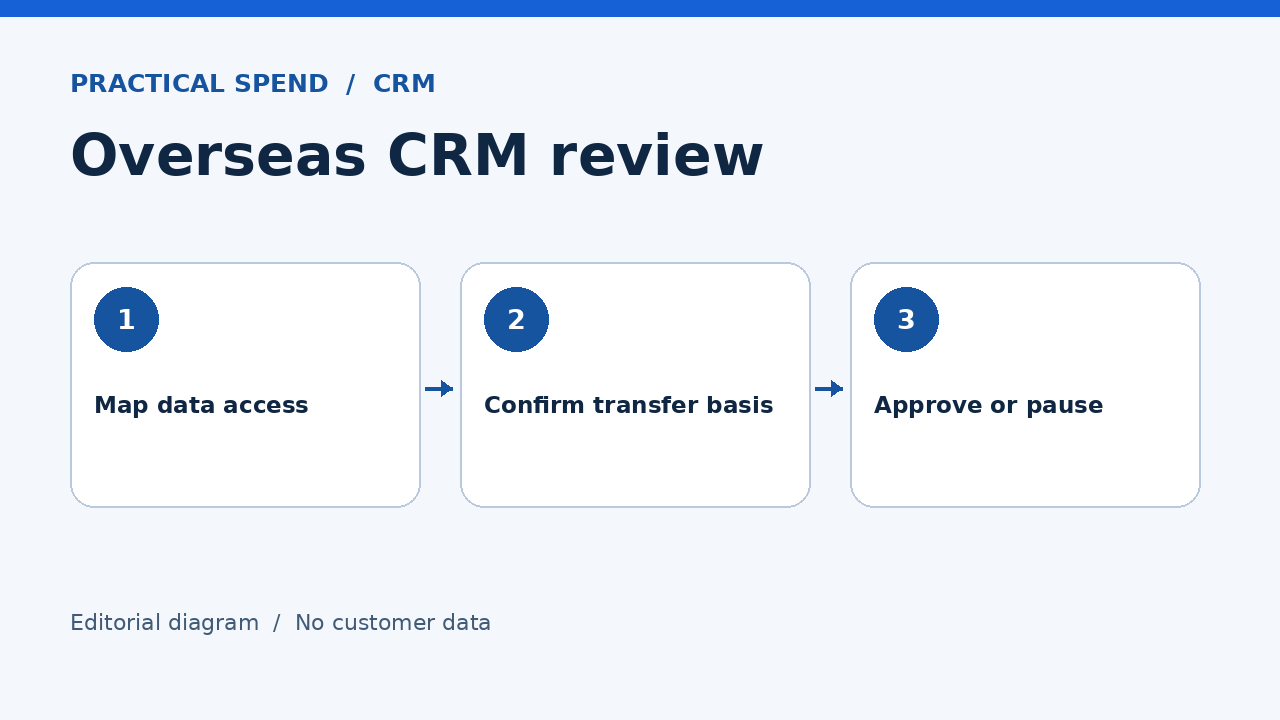
    Can you upload customer records from a Korean business to a CRM hosted abroad? First map where the information can be stored, accessed, and handled. Then confirm the applicable transfer basis and safeguards before bringing real records into the service.

    The diagram shows mapping data access, confirming the transfer basis, and approving or pausing the import.
    Original AI-assisted editorial workflow diagram. Not a product screenshot; contains no customer data.

    Draw the data path

    Ask the vendor to identify the locations of primary hosting, backups, subprocessors, and staff support access for your plan. Record the categories of information each recipient can access and how long those categories remain available. Include remote troubleshooting. A domestic hosting label leaves an open question if a support team can view records from abroad.

    Confirm the transfer basis

    Article 28-8 of Korea’s Personal Information Protection Act addresses overseas provision, including access from abroad, as well as outsourced processing and storage. It permits transfers under specified grounds. Separate transfer consent is one route. Another can apply to necessary outsourced processing or storage for contracting with and performing the contract with the individual, subject to specified disclosures or notification. A convenient vendor choice does not establish those conditions. If relying on consent, check the required advance disclosures. Consider safeguards and onward transfers as separate review items.

    Ask for written answers before importing

    Request the plan’s region documentation, subprocessor list, contract terms, support-access policy, and export and deletion documentation. Map each answer to your intended use. A useful vendor response should name a location or explicitly describe how it is selected. If the answer only says “global infrastructure,” record the location as unresolved and leave live customer data out of the trial.

    Test with synthetic records first

    Use a small fictional account to verify role settings and available export and deletion controls. Ask who can access a support ticket and what happens to any attachments. Record what you observed separately from what the vendor stated. A screen-level deletion test cannot establish what happens to all backups.

    Make the decision

    Approve the import only after the data map, applicable transfer basis, disclosure or notice, and protective measures have owners and supporting evidence. If you are still deciding which plan to buy, ask the vendor which controls are included and which carry an extra cost.

    Official sources and evidence

    Checked November 10, 2026 (KST).

    Verification notes

    Evidence confirmed: The claims mapped above reflect the cited official documentation or legal text.
    Editorial recommendation: Workflows, checklists, and examples are proposed operating practices.
    Hands-on testing: None. Examples are synthetic.
    Unverified: No vendor plan, contract, transfer basis, or product controls were tested.

  • Quote Request Form Fields for Small Businesses in Korea

    Quote Request Form Fields for Small Businesses in Korea

    What should you ask for on the first quote request? Start with what you need to understand the job and one way to respond. If a detail only becomes useful after the customer chooses to proceed, move it to the next stage.

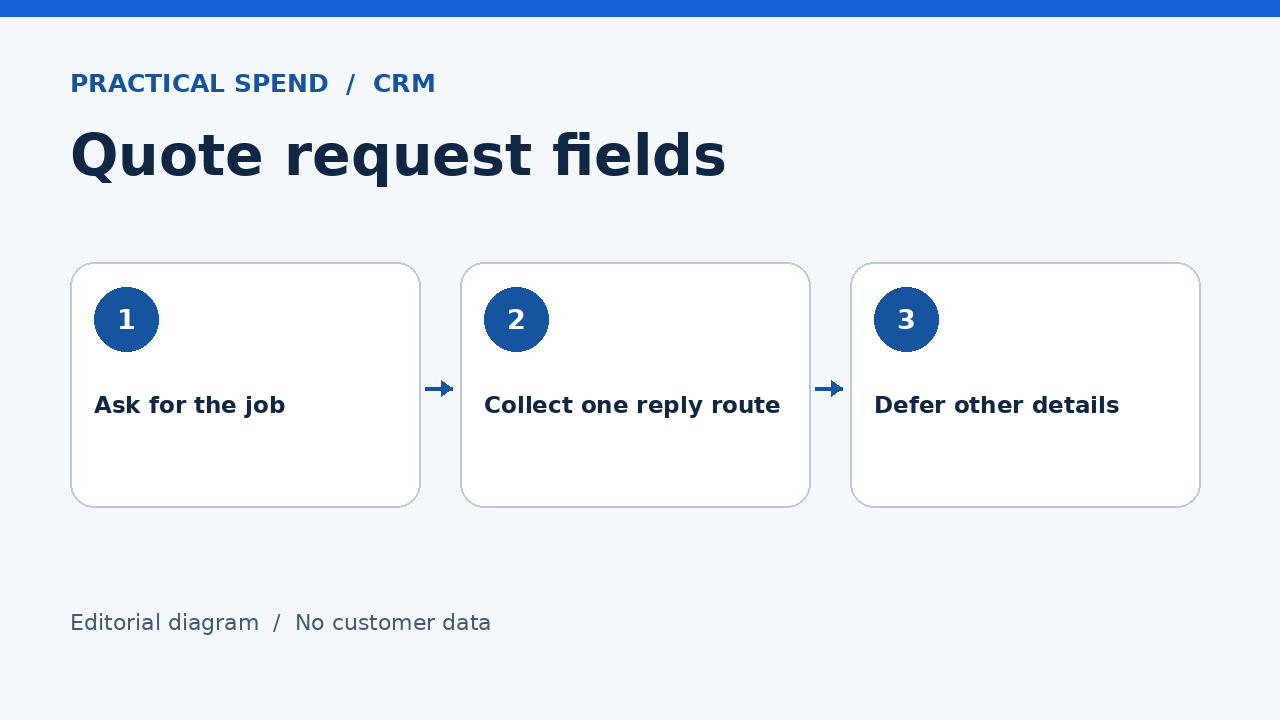
    The diagram shows asking about the job, collecting one reply route, and deferring extra details.
    Original AI-assisted editorial workflow diagram. Not a product screenshot; contains no customer data.

    Design the form around the first decision

    A mobile service business usually needs to decide whether it covers the area, handles the type of work, and can offer a realistic estimate. Start with service type, a short description, and a broad service area when location affects coverage. Ask the customer to choose a reply method and enter the corresponding contact detail. An in-store service may have no reason to ask for an area at all.

    For example, a hypothetical detailing shop might ask for a vehicle category and desired service. If on-site work is requested, the district can help establish coverage. A full street address can wait until the shop is arranging the visit. If a photo helps estimate the job, explain what to photograph and ask the customer to exclude plates, faces, and documents.

    Review every required field

    Ask staff to name the decision each field enables. If they cannot, remove the field or defer it. Replace a large “anything else” box with a short prompt about the work. Avoid requesting identity numbers, card details, or full addresses for a preliminary estimate when they serve no purpose.

    Korea’s Personal Information Protection Act permits collection and use on specified bases, including certain necessary actions requested by the individual during contract formation. Determine which basis actually applies to your intake. The law also limits collection to the minimum needed for the purpose. If you rely on consent, review the Article 15 disclosures and the Article 16 rules for information beyond the necessary minimum.

    Carry only the useful fields into the CRM

    Define the purpose of each mapped field, who can see it, and how to handle information pasted into a free-text box by mistake. Keep the quote reply route separate from any promotional permission record. The form must make sense even when a customer chooses no optional fields.

    Test it with three fictional requests

    Use a straightforward job, an out-of-area job, and an ambiguous job requiring clarification. Check that staff can route each request and ask for any missing detail at the right stage. If all three require extra questions, revise the prompt before adding another required field.

    Official sources and evidence

    Checked November 10, 2026 (KST).

    Verification notes

    Evidence confirmed: The claims mapped above reflect the cited official documentation or legal text.
    Editorial recommendation: Workflows, checklists, and examples are proposed operating practices.
    Hands-on testing: None. Examples are synthetic.
    Unverified: No live form or CRM mapping was tested. The lawful basis for a particular business remains case-specific.

  • How to Record a Customer’s Preferred Language in a CRM in Korea

    How to Record a Customer’s Preferred Language in a CRM in Korea

    To reply in a customer’s preferred language, ask for their choice and record whether it applies to this conversation or future support requests. A Korean delivery address, Korean surname, or English opening message can leave the person’s actual preference unclear. Give staff a way to continue the conversation without guessing.

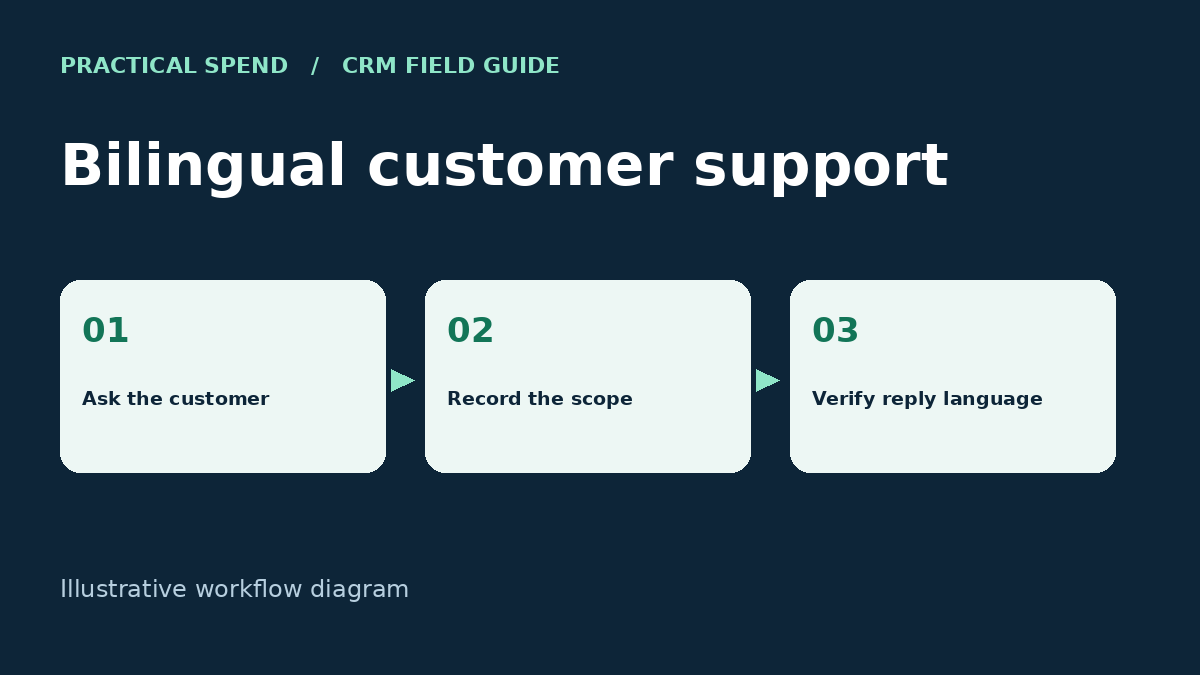
    Three steps for bilingual support: ask the customer, record the scope, and verify the reply language.
    Original AI-assisted editorial diagram for recording a support language preference. Not a product screenshot.

    Ask a question the customer can answer quickly

    A support team might ask, “Would you prefer Korean or English for replies about this case?” When the business can reliably offer both languages, a brief Korean version can accompany the English one. If the customer requests a language the team cannot cover, explain the available options and agree on a next step. Keep the question optional unless a choice is genuinely necessary to provide the requested service.

    Keep the language and the scope together

    Customer saysSupport record
    “English for this issue, please.”English for the active case. Leave the profile preference unchanged.
    “Please use Korean for future support.”Korean as the stated support preference, with the date and scope.
    No answerUnknown. Ask when the choice will affect the reply.
    “Send the shipping update in English, but speak Korean with our warehouse team.”Record the instruction on the relevant case or contact and identify which recipient it applies to.

    Record a preference only when it serves the support purpose and your processing basis and policy allow it. Keep separate fields for language and contact channel. A language preference is a service instruction. Any promotional use needs its own review and evidence.

    Make the next handoff easy to follow

    When the first agent hands off a case, pass along the chosen language, next action, and the promised update time. Use short approved templates for routine replies. Ask a fluent reviewer to check translations involving a remedy, price, or commitment before sending. Kakao documents saved replies on PC for 1:1 chats. Test whether staff can find the correct template without relying on an unverified product integration.

    Test with two fictional conversations

    For the first case, set a long-term preference and give the case to a different agent. Verify that the outgoing reply uses the right language. For the second, request a one-off language change and confirm the general preference is preserved. Include a shared company account in training if staff need to distinguish the requester from the person receiving the update.

    FAQ

    Should I store nationality to choose a language? Ask directly about the support reply. Record the preference itself if it is necessary for the service purpose.

    What if the customer switches languages mid-conversation? Ask whether they want the new language for this case or for future support, then update the appropriate field.

    Official sources and evidence

    Checked November 10, 2026 (KST). The listed findings are documentation-based. Examples and workflow decisions are editorial recommendations.

    Verification record

    • No live account, customer, transaction, or import tests were performed. Examples use fictional data.
    • Unverified in practice. Confirm the business’s processing basis, actual field permissions, and bilingual staffing.
    • Search demand and keyword difficulty were unmeasured.