When a buyer asks to return an order, the first support task is to give the case a decision owner and a time for the next update. A team can do this before it knows whether the return qualifies. Keep the marketplace’s order and dispute record open as the reference for the decision.
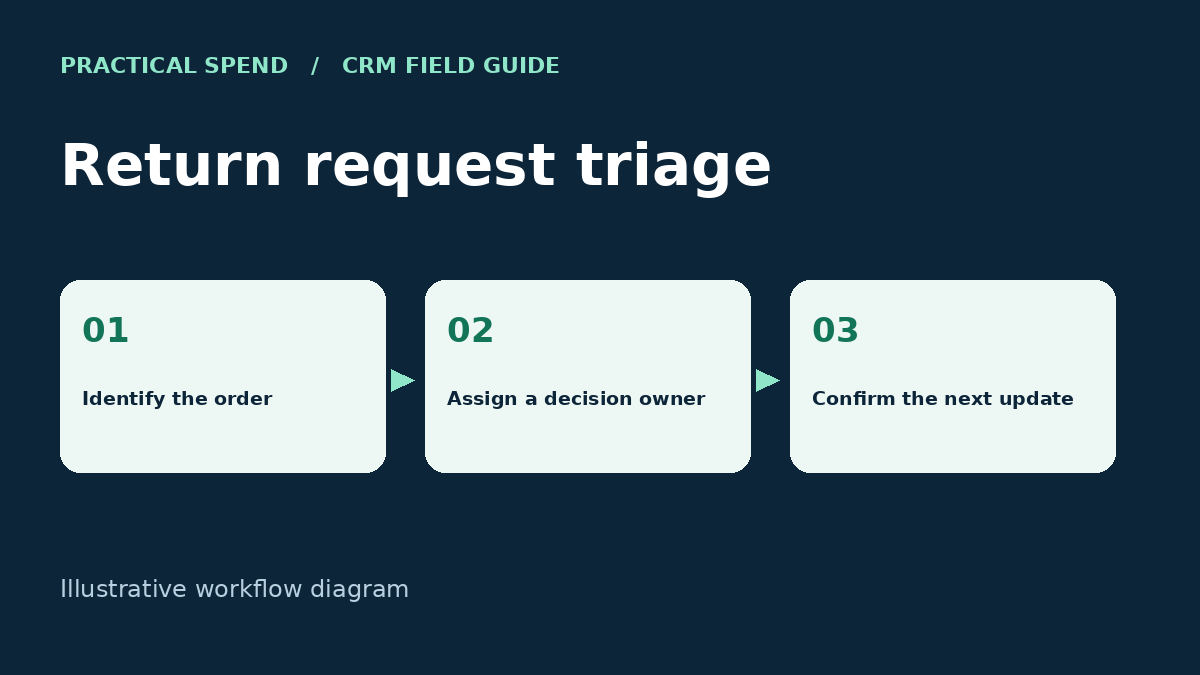
Capture the request in one place
Create a support ticket with the marketplace, order reference, item, buyer’s stated issue, and time received. Record the marketplace deadline if one is shown. If the customer contacts you through another channel about the same order, link that interaction to the ticket so the owner sees the full sequence. Keep payment details, identity documents, and unrelated attachments out of the ticket.
Route by the decision required
| Situation | Owner | Next action |
|---|---|---|
| Buyer asks how to start a return | On-duty support | Confirm the marketplace procedure and send the next step. |
| Buyer reports damage or a wrong item | Returns lead | Review the order and identify the evidence needed through the approved channel. |
| Customer says a refund was already promised | Returns lead or supervisor | Check the original message and the marketplace record before giving a new estimate. |
| Marketplace deadline is approaching and ownership is unclear | On-duty supervisor | Assign a named owner and set a review time before the deadline. |
The queue identifies the team. The named owner is the person responsible for the next update. Zendesk’s documentation describes manual assignment through the Assignee field. Check group permissions on your plan if staff cannot see the intended queue. A spreadsheet or shared inbox can use the same operating rule with a named owner and an explicit due time.
Acknowledge the case and set a review time
A fictional example: “We received your return request for order DEMO-72. Our returns team will review the order and update you through this marketplace by 3 p.m. KST tomorrow.” Replace the example time with a window your team can meet and check the applicable platform deadline first. Record who will send that update. If the team needs more information, state the specific item and the approved channel.
Close the loop
Before closing the support ticket, compare the marketplace case and the CRM record. Confirm the decision, the time the buyer was informed, and any unresolved action such as a parcel still in transit. For training, run a fictional case in which a team member is out sick and the buyer sends a second message. The test passes when the backup can find the decision owner and the next update without making a duplicate promise.
FAQ
Does this workflow decide return eligibility? Eligibility, deadlines, remedies, and exceptions depend on the marketplace and applicable rules. Use the current rule for the specific order and send uncertain cases to the person authorized to decide.
Official sources and evidence
Checked November 10, 2026 (KST). The listed findings are documentation-based. Examples and workflow decisions are editorial recommendations.
- Zendesk — Manually assigning a ticket — Confirms manual assignment to an agent or group via the Assignee field.
- Zendesk — Enabling agents to assign tickets to their groups — Explains how permissions affect group assignment.
- Korean National Law Information Center — Electronic Commerce Act Article 17 — Confirms statutory withdrawal rules and qualifications may apply. The article makes no eligibility or deadline determination.
Verification record
- No live account, customer, transaction, or import tests were performed. Examples use fictional data.
- Unverified in practice. Verify the chosen marketplace’s rules and the team’s live ticket permissions.
- Search demand and keyword difficulty were unmeasured.