If customers in Korea already use KakaoTalk to ask about appointments, orders, or availability, set up 1:1 chat on your business channel and publish the hours when someone can reply. Test what customers see after closing before you put the chat link on your website or receipts.
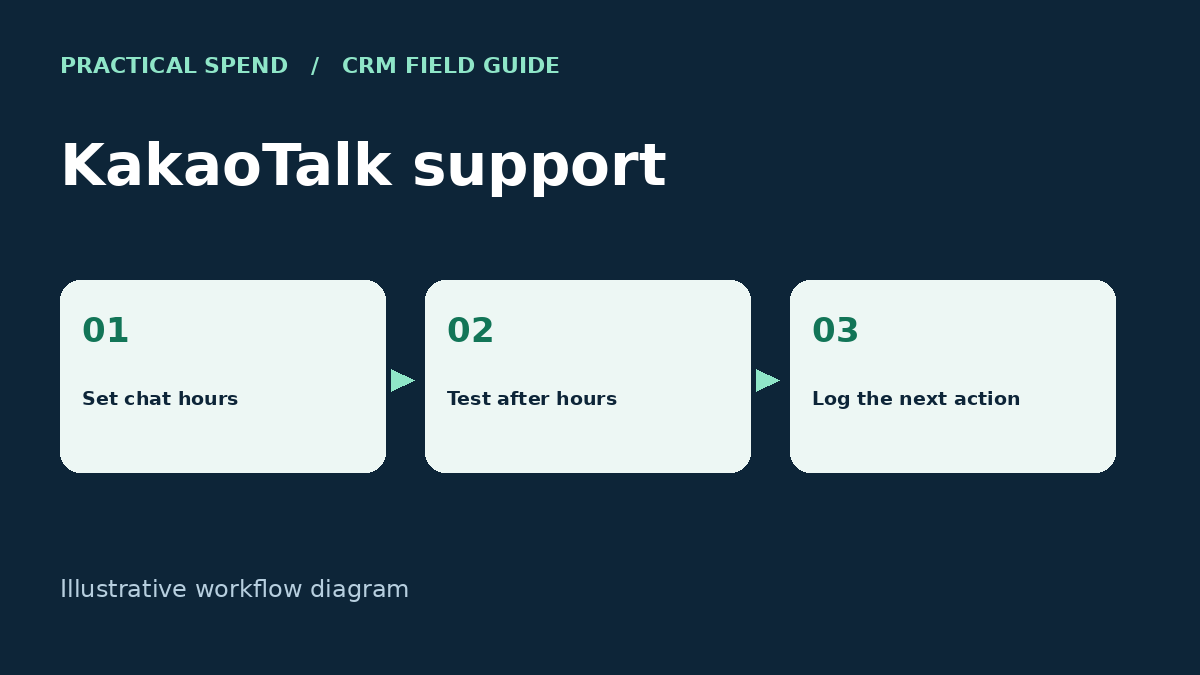
Set the hours your team can cover
Open KakaoTalk Channel Manager and find 1:1 채팅 (1:1 chat). Complete any administrator verification the interface prompts for. In the chat settings, set the staffed hours for each day. If your shift crosses midnight, check the customer experience on both sides of midnight. Kakao documents overnight hours when the closing time is earlier than the start time. Staff availability is the starting point: choose hours your team can cover on its quietest weekday, then extend them as needed.
Give customers a clear next step when chat is closed
Use the closed-hours message to state when staff will review the inquiry and what information is useful. Keep the Korean and English versions aligned.
Thanks for contacting us. We review messages Monday–Friday, 10 a.m.–5 p.m. Korea time. If your question concerns an order, please share your order reference only. We will confirm the next step during staffed hours.
Kakao documents a closed-hours notice. Use your own test to see what happens to a message submitted while chat is closed before promising that the team will receive it.
Run a customer-side test
Use a test account and fictional order reference. During opening hours, confirm the account can start a chat and that the on-duty person can respond. Repeat after closing, read the exact notice, and check how the inquiry appears to staff. If two administrators are signed in, have one send the reply and the other verify who sent it. Kakao says administrator names shown for that purpose are visible to administrators. If you prepare saved replies, test them from the PC interface described in Kakao’s guide.
Decide what to copy into the CRM
A useful record may contain the support reference, inquiry category, next action, and due time. Restrict access to any necessary order details. Avoid copying complete chat histories, customer photos, or payment information by default. When an attachment is needed, use the business’s approved intake method.
FAQ
Do I need paid channel messaging to start? Kakao presents channel creation as free and documents inbound chat as a channel feature. Check pricing separately if you plan to add paid messages, partner services, or integrations.
Can I promise an immediate reply? Publish a response window your team can cover. Test the handoff on a real shift using fictional data before adding the link to customer-facing material.
Official sources and evidence
Checked November 10, 2026 (KST). The listed findings are documentation-based. Examples and workflow decisions are editorial recommendations.
- Kakao Business — Enable 1:1 chat — Confirms manager settings, chat hours by day, and the closed-hours message.
- Kakao Business — Chat operations — Confirms administrator-visible sender names, notes, and saved replies on PC.
- Kakao Business — Channel overview — Describes free channel creation and inbound chat features. Paid messaging and partner fees are outside this guide.
Verification record
- No live account, customer, transaction, or import tests were performed. Examples use fictional data.
- Unverified in practice. Confirm live account labels, access and after-hours behavior.
- Search demand and keyword difficulty were unmeasured.