Category: Korea Explained

  • How to Look Up Korean Form Terms in the Official English Dictionary

    How to Look Up Korean Form Terms in the Official English Dictionary

    If you are filling out a Korean form and get stuck on a field label, look up its key word in the National Institute of Korean Language’s Korean-English Learners’ Dictionary. The official tool accepts Korean or English search terms. Once you understand the word, use the issuing office’s current instructions to find out exactly what it wants you to enter or submit.
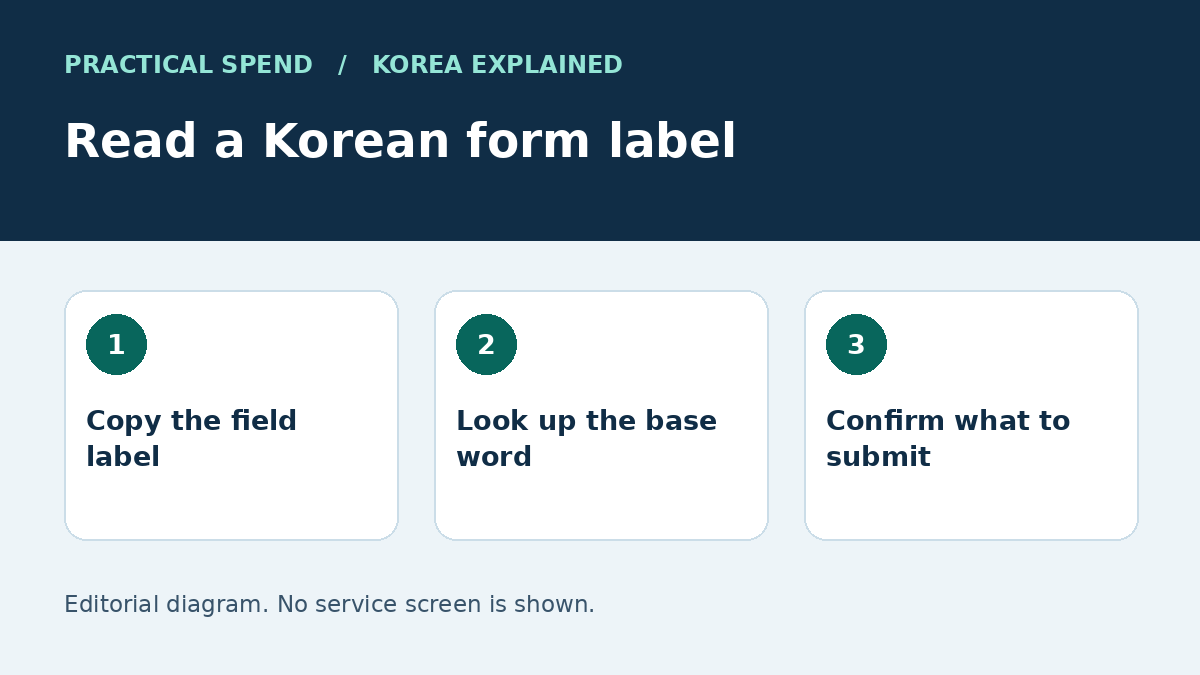
    Three steps for reading a Korean form label: copy the label, look up the base word, and confirm what to submit.
    Original AI-assisted editorial diagram. Not an actual product or service screenshot.

    Start with the label, then read the surrounding instruction

    Copy only the unfamiliar label. For a long phrase, search the main noun or verb first. In 제출 서류 (documents to submit), for example, you can look up 제출 (submission) and 서류 (documents) separately. Then read the line below the heading to see which documents the office actually lists.

    Label you may seeWorking meaningWhat to check
    신청인ApplicantWhose name goes in this field?
    제출 서류Documents to submitWhich documents and file formats does the office accept?
    접수Receipt or intakeHas the office received the form, and where can you check its status?
    구비 서류Required supporting documentsDoes the checklist vary by applicant type?

    These are language examples. The form and the office’s guidance determine the procedure.

    Ask one question the office can answer

    Suppose a form says 신분증 사본 (copy of an identity document). Understanding the phrase still leaves a practical question about which document the office accepts for your application. Ask, “Which identity document do you accept for this application, and do you need a paper copy or an upload?” Give the form title and field label. Use the official submission channel if the office requests the document.

    Before submitting

    Check the form version, required fields, document list, and deadline on the issuing office’s website. If the page shows 접수, check the status guide or confirmation notice for what happens next. Keep the official instructions and any receipt together so you can refer to them if the office asks for a correction.

    Official sources and evidence

    • Confirmed in official documentation — Official bilingual dictionary interface, Korean or English search input and advanced search. Checked November 10, 2026 (KST). National Institute of Korean Language — Korean-English Learners’ Dictionary
    • Editorial guidance — Checklists, suggested questions and hypothetical examples are editorial applications of the cited guidance.
    • Unverified and hands-on status — No real form was filed. The labels are editorial language examples. Accepted documents, ID requirements, submission format, and deadlines are specific to the issuing office.
    • Recheck — Check the current official guidance before using the service; procedures, prices and contact routes can change.
  • How to Rent and Return a Seoul Public Bike

    How to Rent and Return a Seoul Public Bike

    For a short errand or the last leg of your Seoul commute, use the Seoul Bike app to buy a pass and unlock a Ttareungi (따릉이), Seoul’s public bike. Pick a pass based on how long you will keep the bike out at one time. At the end of the ride, lock it at a Seoul Bike station and check your phone for the return confirmation.

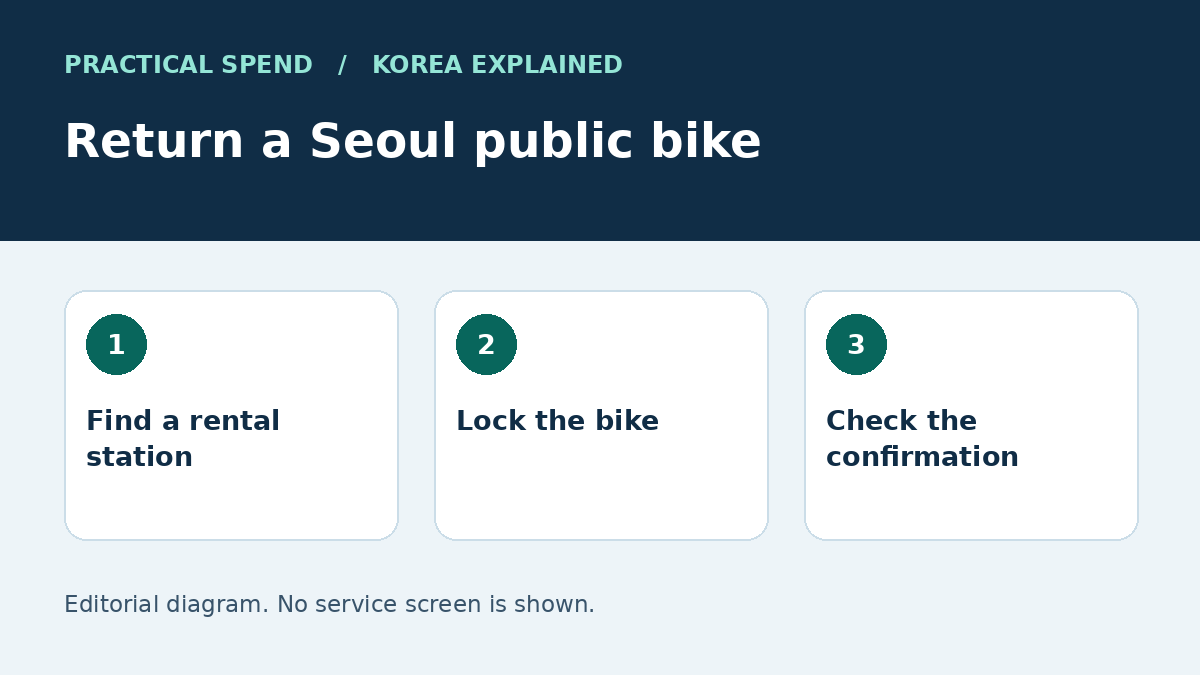
    Three steps for returning a Seoul public bike: find a rental station, lock the bike, and check for confirmation.
    Original AI-assisted editorial diagram. Not an actual product or service screenshot.

    Choose a pass for the longest leg of your trip

    Nonmember day passTime per rentalListed price
    General60 minutes₩1,000
    Premium120 minutes₩2,000
    Three-hour180 minutes₩3,000

    A day pass and the timer on an individual rental measure different things. For the 60- and 120-minute products, the city explains that you can return the bike within the rental window and rent again while the pass is valid. Check the price, overtime conditions, and payment options in the app before buying.

    Rent, ride, and confirm the return

    1. Find a rental station near your starting point and another near your destination. Allow time to reach the return station before the rental timer expires.
    2. Buy your pass in the Seoul Bike app. At the station, scan the bike’s QR code or enter its number as directed in the app.
    3. At the return station, lock the bike as directed. Check your phone for the return confirmation before leaving.
    4. If you cannot confirm the return, note the station and bike number and call the operating center at 1599-0120. The city lists additional charges for late returns.

    Example: If you ride 20 minutes to a library and plan to spend an hour there, return the bike before entering. For a General day pass, you can start another rental for the ride home while the pass is valid, subject to bike availability.

    Before your first commute

    Check the return location and leave a few minutes for locking and confirmation. Use the city’s English instructions to review the steps before standing at a station with the timer running. The published instruction panel is labeled October 2023, so follow the current app and bike prompts if their wording differs.

    Official sources and evidence

    • Confirmed in official documentation — Nonmember day-pass prices, per-rental timing, additional fees, and operating center. Checked November 10, 2026 (KST). Seoul Metropolitan Government — Seoul Public Bike costs
    • Confirmed in official documentation — Official app, QR or bike number, physical locking, and phone confirmation. Checked November 10, 2026 (KST). Seoul Metropolitan Government — How to rent and return
    • Editorial guidance — Checklists, suggested questions and hypothetical examples are editorial applications of the cited guidance.
    • Unverified and hands-on status — No pass was bought or ride taken. Foreign-issued card acceptance, live station availability, and current app labels were not tested.
    • Recheck — Check the current official guidance before using the service; procedures, prices and contact routes can change.
  • How to Text Seoul’s 120 Helpline in English

    How to Text Seoul’s 120 Helpline in English

    Need to ask Seoul City a question about a local service in English? Text 02-120 on weekdays from 9 a.m. to 6 p.m. Korea time. Seoul’s 120 Dasan Call service answers questions about city administration and everyday services such as transportation and water. Seoul says it charges no additional consultation fee. Your mobile plan’s standard text charges apply.

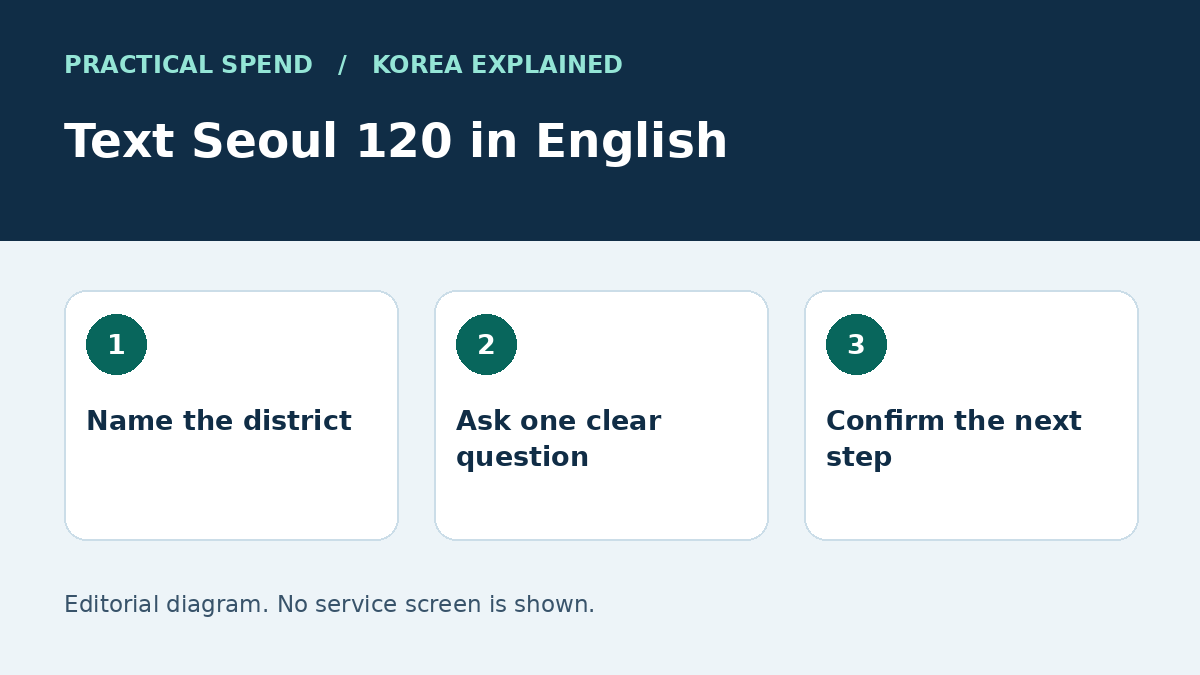
    Three steps for texting Seoul 120: name the district, ask one clear question, and confirm the next step.
    Original AI-assisted editorial diagram by Practical Spend. This is not a service screenshot.

    What to put in your first message

    1. Name your district, or gu, and the neighborhood or station if it matters.
    2. Ask one question and say what you want back. A department name, an official link, or an office address is often enough to get started.
    3. If the answer points to another office, ask for its Korean name and contact information. That gives you something concrete to search or show at a counter.

    Example message: “Hello. I live in Mapo-gu. Which office handles questions about an apartment water bill? Could you send me the office name and an official link?” This is a sample message.

    When to call instead

    Seoul also lists an English phone route. Call 02-120 and press 9 for foreign-language consultation. If your question has several parts or you need to explain an earlier reply, a call may be easier. Check the current hours for the language channel you need.

    The text service helps you identify the right city office or procedure. For a document submission, ask which official channel accepts it. Keep passport numbers, bank details, and document photos out of your opening text.

    Before you send

    Confirm that you are sending a mobile text to 02-120, include the district, and ask for the action you need to take next. If you are outside the published English text hours, check the current help options before relying on a reply.

    Official sources and evidence

    • Confirmed in official documentation — English SMS number and weekday hours, city-service scope, standard messaging charges, and English phone route. Checked November 10, 2026 (KST). Seoul Metropolitan Government — English text consultation launch
    • Editorial guidance — Checklists, suggested questions and hypothetical examples are editorial applications of the cited guidance.
    • Unverified and hands-on status — No SMS or phone call was placed. Holiday availability, response time, and delivery from overseas SIMs or Wi-Fi messaging apps were not tested.
    • Recheck — Check the official guidance again before relying on operational details, because procedures, hours, and contact routes can change.

    For a related city-service guide, see Seoul Public Libraries: A Membership Guide for Foreign Residents.

  • Seoul Public Libraries: A Membership Guide for Foreign Residents

    Seoul Public Libraries: A Membership Guide for Foreign Residents

    A public library can be a useful low-cost place to borrow books, study, use Wi-Fi, or find Korean-language learning materials. The confusing part is that “Seoul public library” does not mean one uniform membership system: individual libraries may set different registration steps and document requirements.

    This guide focuses on how to check eligibility before you go. It is based on current Seoul government information and library guidance, not on a personal visit or a membership test.

    Start with the right library

    Use Seoul’s official public-library directory to find a branch near your home, school, or workplace. Check that branch’s own membership page before preparing documents. Seoul’s foreign-resident portal says foreign residents may use public libraries after registration, but also warns that each library can have different membership criteria and required documents.

    For Seoul Metropolitan Library specifically, Seoul city reported that online registration was expanded to allow citizens and foreign residents in Korea to borrow books nationwide from June 10, 2025. Confirm the current registration flow on the library’s own site because service details can change.

    What to check before visiting

    Look for these items on the library’s official page or call the branch:

    • Eligibility: Does the branch serve residents of a particular district, people who work or study in Seoul, or a wider group?
    • Identification: The Seoul foreign-resident portal lists an Alien Registration Card or domestic residence report, and says a passport may be needed depending on the library.
    • Registration method: Some libraries may require online signup followed by in-person identity or address confirmation.
    • Services: Ask whether your membership includes physical borrowing, e-books, study rooms, computers, or cultural programs. Access may differ by service.
    • Card format: Check whether the branch issues a physical card, mobile card, or both.

    Bring the original identification requested by the specific library. Do not rely on an older blog post or assume another branch’s rules apply.

    A simple first-visit workflow

    1. Search the official directory for a convenient library.
    2. Open that library’s current membership instructions.
    3. Confirm foreign-resident eligibility, address rules, and documents.
    4. Complete any online registration the branch requires.
    5. Visit with the requested ID if in-person confirmation is required.
    6. Ask staff to show you how to access the catalog and any digital services included in your membership.

    If you mainly want e-books, verify that the membership type you receive includes digital borrowing. A physical card and an online account may not unlock exactly the same services at every library.

    Cautions

    This is a Seoul-focused guide, not a nationwide rulebook. Library membership, borrowing limits, renewal periods, and digital collections can differ by institution and can change. The city’s announcement about Seoul Metropolitan Library’s expanded eligibility is specific to that service; it should not be treated as proof that every branch follows identical rules.

    Avoid sharing your ID image or personal number through unofficial messages. Use the library’s official site or contact channel for registration questions.

    Before-you-go checklist

    • Choose a branch using Seoul’s official directory.
    • Read the branch’s current membership instructions.
    • Confirm the exact ID and address documents.
    • Ask whether e-books and study spaces are included.
    • Save the library’s contact details and operating hours.
    • Keep a note of any account or card activation step.

    A short check before leaving home can prevent a wasted trip. Start with one nearby branch and verify its rules directly before you plan around its services.

    FAQ

    Can foreign residents join a public library in Seoul?

    Seoul’s foreign-resident portal says foreign residents can use public libraries if they meet applicable requirements. Individual library criteria may differ, so check the selected branch.

    Is an Alien Registration Card always enough?

    Not necessarily. Seoul’s guidance lists it as a possible document, but notes that libraries may have different requirements; some may ask for additional proof or a passport.

    Does one library card provide e-book access?

    That depends on the library and membership type. Confirm digital borrowing directly with the library before relying on it.

    Sources and research record

    Checked November 9, 2026:

    1. Seoul Foreigner Portal, Public Library Use — eligibility caveat, document examples, and available service types.
    2. Seoul Metropolitan Government, Seoul Metropolitan Library expands loans nationwide — official 2025 announcement about Seoul Metropolitan Library’s expanded online borrowing access.
    3. Seoul Metropolitan Office of Education, Operation of Libraries — registration guidance for its library system; branch/system-specific requirements.