Category: Korea Explained

  • How to Get Back the Deposit on a Seoul Subway Single-Journey Ticket

    How to Get Back the Deposit on a Seoul Subway Single-Journey Ticket

    If you used a Seoul subway single-journey ticket card, keep it after exiting at your destination. The city’s transport guide says to insert that card into a deposit refund machine to collect the ₩500 deposit paid with the fare. The deposit return is part of using this ticket type. [1]
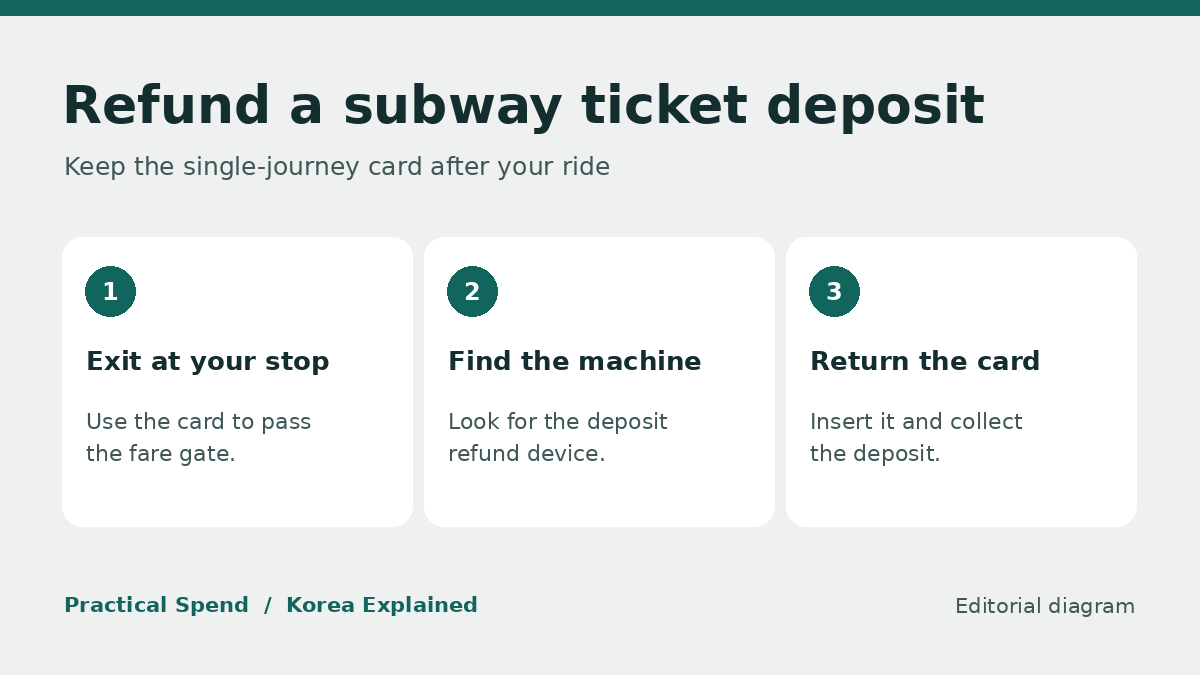
    Three-step diagram showing how to exit the station with a single-journey card, find the refund machine, and insert the card to collect the deposit.
    Original editorial diagram for a subway card deposit refund. This is an illustration, not a station machine screen.

    Keep the card through the exit

    When buying a single-journey ticket at the station kiosk, you pay the fare plus a deposit for the card. Seoul’s guide describes foreign-language settings on the kiosk and says this ticket is for subway travel. Use the card to enter and leave the gates as instructed at the station, then retain it for the refund machine. [1]

    After you have exited, look for 보증금 환급기, or a deposit refund device. Follow the machine’s card-insertion instructions and collect the returned deposit. If you cannot find it, show station staff the card and ask 보증금 환급기가 어디에 있나요? (“Where is the deposit refund machine?”).

    Ask staff if the machine cannot process it

    If the machine rejects the card or no deposit comes out, keep the card and ask the station’s customer assistance staff to check. Tell them which destination you have just exited and what happened. If you have several travelers, keep track of each person’s single-journey card until all deposits have been collected.

    For a new purchase, check the payment options on the machine you use. Seoul’s newer notice describes international-card acceptance at the newly installed machines on Lines 1–8. Check the actual machine before relying on a particular card. General Seoul municipal inquiries are listed at 02-120 on the city’s transport guide. [1][2]

    Official sources and claim checks

    Opened and checked November 20, 2026 (KST). Confirm changing prices, operating arrangements, and eligibility when publishing or using the procedure.

    1. Seoul Metropolitan Government — public transportation guide — Single-journey ticket purchase, deposit, return device, subway-only scope and city contact.
    2. Seoul Metropolitan Government — international-card ticket machine rollout — New-machine and Lines 1–8 scope for purchase payments.
  • How to Arrange a Move-In Visit With Seoul Gas

    How to Arrange a Move-In Visit With Seoul Gas

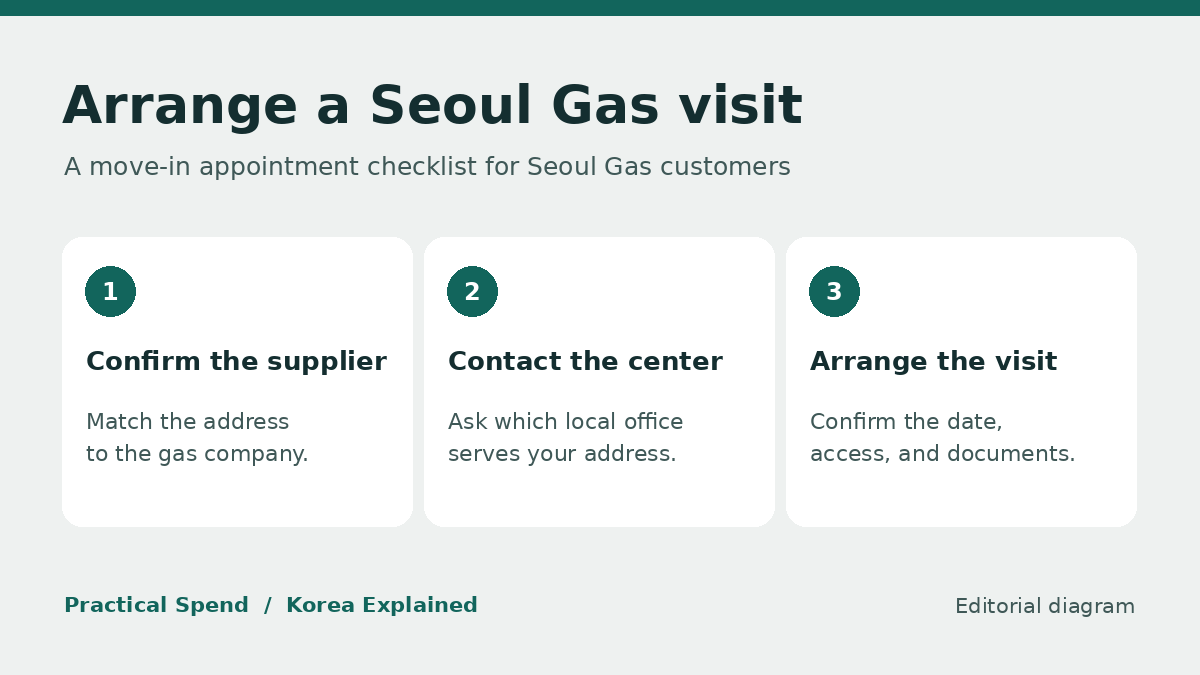
    If Seoul Gas Co., Ltd. (서울도시가스) supplies your new home, contact the center responsible for that address before moving in. The company offers move-in service arrangements by phone or through its website. Its guide says gas use starts after the usage agreement and the supplier’s required safety release, so agree on the visit before you need the service. [1][2]

    Three-step diagram showing how to confirm Seoul Gas is the supplier, find the local center for the address, and arrange a move-in visit.
    Original editorial diagram for arranging a supplier visit. This is an illustration, not the Seoul Gas reservation form.

    Confirm the supplier and local center

    Check a current bill for the property or ask the landlord or building office which company supplies it. Once the supplier is confirmed as Seoul Gas, open its local customer center finder. Select the region for the address to find the responsible office. The company describes these centers as handling connection, move-in and move-out work, billing notices, and related services in its supply area. [1][3]

    Have the Korean address, unit number, planned move date, and a contact number ready. Tell the center which appliances are already installed and what service you need. Ask which account or contract reference it requires for the property.

    Arrange the visit and confirm what you need

    1. Contact the center before moving day. Seoul Gas’s public reservation form says same-day move-in reservations are unavailable. Ask the center about the dates it can actually offer, including any weekend limits. [2]
    2. Confirm the application route. The nonmember form has mobile-number verification. If you cannot receive the verification or your details are not accepted, call 1588-5788, the supplier’s customer contact, and ask for the local center’s booking route. [2][4]
    3. Confirm access, documents, and cost. Ask what the person attending must bring, including which identification or authority documents apply to a foreign resident. Also ask which charges apply to the requested work. Seoul Gas’s service guide says fees depend on the service. [1]

    Arrange for the supplier’s qualified staff to handle the connection or safety-release work described in its guide, and keep the agreed visit details available for moving day. [1]

    Official sources and claim checks

    Each source was opened and checked November 19, 2026 (KST).

    1. Seoul Gas — moving service guide — Phone or web booking, usage agreement, work and fee scope.
    2. Seoul Gas — nonmember move-in and move-out reservation form — Actual phone verification and reservation conditions.
    3. Seoul Gas — regional center search — Regional address selection and local center responsibilities.
    4. Seoul Gas — contact guide — Customer number and reservation inquiry services.
  • How to Ask Korea Post for Proof of Registered-Mail Delivery

    How to Ask Korea Post for Proof of Registered-Mail Delivery

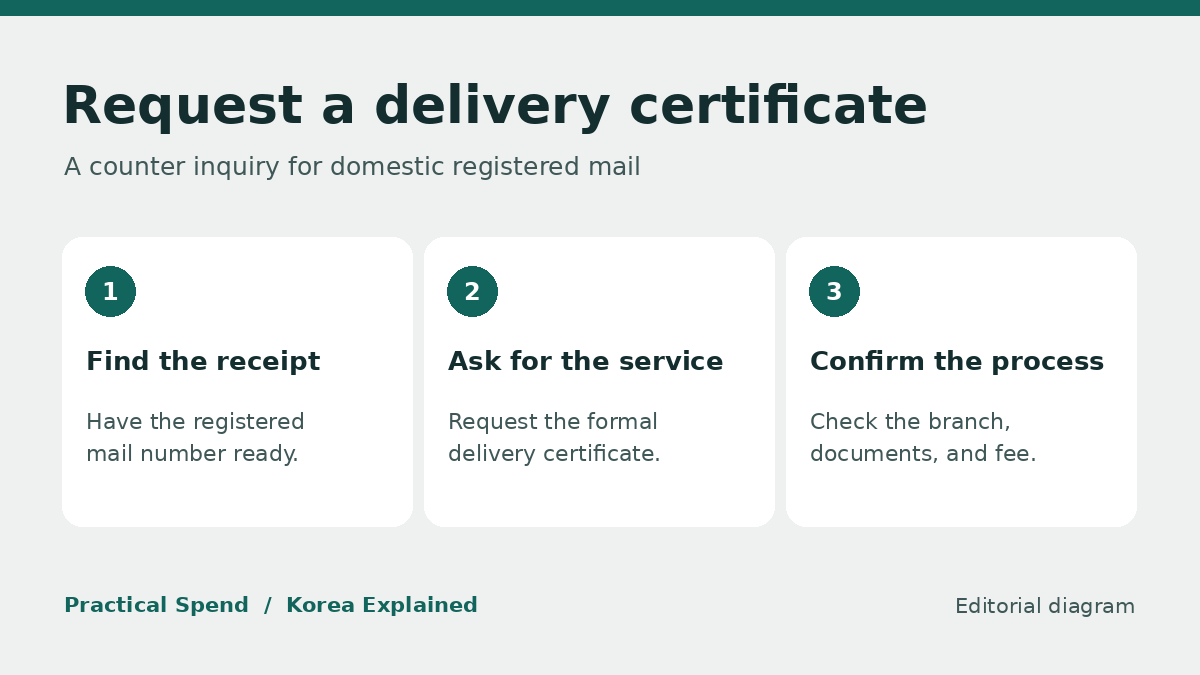
    If you need Korea Post’s formal record of a domestic registered item’s delivery, ask about 배달증명 (delivery certification). Korea Post says the certificate records delivery information such as the delivery date and recipient’s name. Have the registered-mail receipt and number available when you ask the post office which application procedure applies. [1][2]

    Three-step diagram showing how to locate a registered-mail receipt, ask about a delivery certificate, and check the branch, documents, and fee.
    Original editorial diagram for a postal counter inquiry. This is an illustration, not a certificate or a Korea Post screen.

    Decide which record you need

    An online tracking result can help you check delivery progress. Korea Post’s tracking page directs users who need documentary evidence to its delivery-certification service. Before applying, ask the organization requesting the document what information and format it needs. The postal service describes the delivery event the certificate records. [1][3]

    If you have already sent the registered mail, Korea Post’s domestic inquiry guide says the sender or recipient can request delivery proof within one year, counted from the day after mailing. It identifies the mailing and delivering post offices as inquiry points, and directs a delivery-certificate request to the mailing office. Ask that office which route fits your mailing before traveling. [2]

    Prepare the inquiry

    1. Find the reference. Keep the receipt and registered-mail number with the sending date. If someone sent the item for your company, ask them to locate the acceptance record.
    2. Use the service name. At the counter, say 등기우편 배달증명을 신청하고 싶습니다 (“I’d like to apply for delivery certification for registered mail”).
    3. Confirm the application requirements. Ask the branch which identification it accepts from you, what application form and fee are required, and how and when the certificate will be supplied. If you are applying on someone else’s behalf, ask specifically what authority documents the branch needs.

    Korea Post lists 1588-1300 for postal inquiries. Its current domestic inquiry guidance is the starting point for checking the service before visiting. [2]

    Official sources and claim checks

    Each source was opened and checked November 19, 2026 (KST).

    1. Korea Post — special domestic postal services — Definition and delivery information included in delivery certification.
    2. Korea Post — domestic registered-mail inquiry guidance — Sender or recipient, one-year period, office and application route, postal inquiry number.
    3. Korea Post — public delivery tracking — Tracking-purpose statement and delivery-certification direction.
  • How to Confirm Your Incheon Airport Terminal Before You Travel

    How to Confirm Your Incheon Airport Terminal Before You Travel

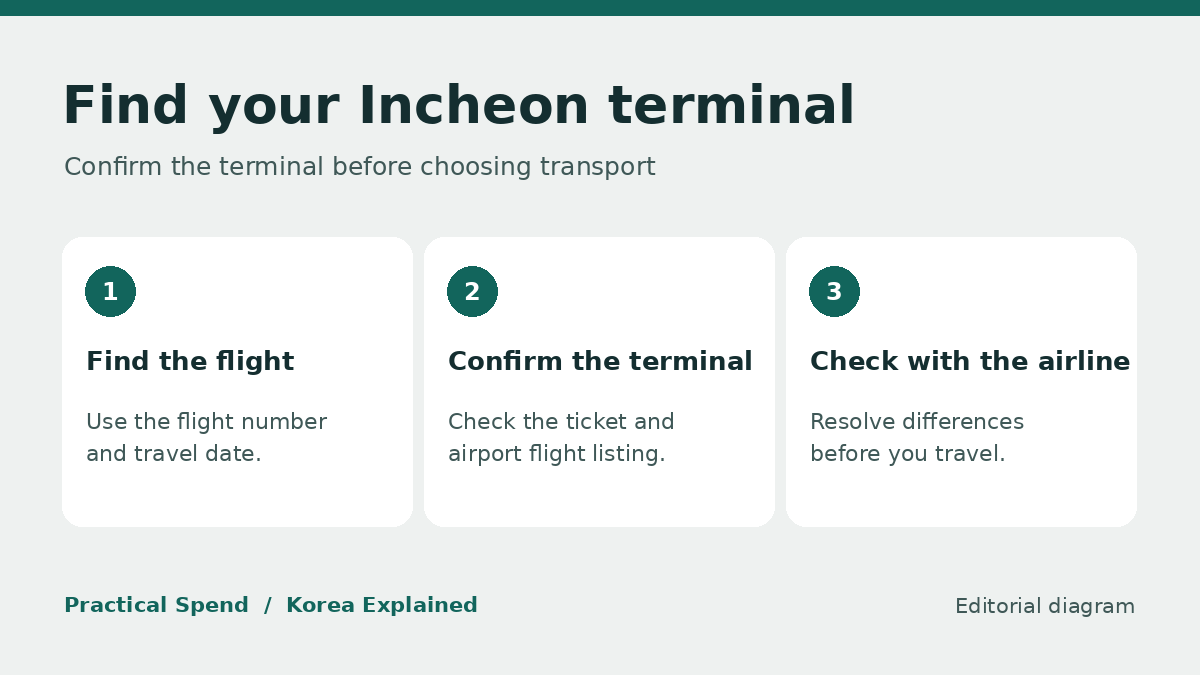
    Before choosing transport to Incheon Airport, confirm the terminal for your exact flight and travel date on your ticket and the airport’s flight search. The airport warns that codeshares and airline circumstances can affect terminal assignments, so check the flight itself. [1][2]

    Three-step diagram showing how to identify a flight and travel date, compare the ticket and terminal listing, and resolve a mismatch with the airline.
    Original editorial diagram for checking a flight terminal. This is an illustration, not an airport flight-information screen.

    Search using the flight number

    1. Find the flight number on your booking or e-ticket and check the departure date. Keep the operating airline information available if the ticket describes a codeshare.
    2. Open the Incheon Airport English homepage and use Flight Search. Its input accepts a flight number, airline, or city. Choose the departure or arrival information that matches the trip you are checking. [2]
    3. Read the terminal attached to the flight. The airport’s departure information page provides a Terminal column and directs users to click the flight number for details. If you have searched a regular timetable, confirm the operating-day detail with the airline before relying on it for a particular departure. [3]

    Resolve a mismatch before choosing transport

    If the booking, airline message, and airport listing disagree, contact the airline with the flight number and date. Incheon’s departure guide explicitly tells passengers to confirm the terminal through their e-ticket or a flight search and notes that assignments can vary. It lists 1577-2600 for airport information. [1]

    Once the terminal is clear, use it in the name of your rail stop, airport bus destination, parking plan, or colleague’s meeting point. If you are meeting an arriving colleague, ask for the flight number and arrival date and check the arrival listing before leaving.

    Recheck the terminal and current flight information on the day you travel. Allow time to follow the airline’s check-in instructions for that departure.

    Official sources and claim checks

    Each source was opened and checked November 19, 2026 (KST).

    1. Incheon International Airport — departure procedures — Terminal confirmation, codeshare exception and airport contact.
    2. Incheon International Airport — English homepage — Flight-number, airline and city search entry point.
    3. Incheon International Airport — passenger departure information — Flight details, Terminal column and airline confirmation caveat.
  • How to Check Korea’s Hourly Weather Forecast for a Work Address

    How to Check Korea’s Hourly Weather Forecast for a Work Address

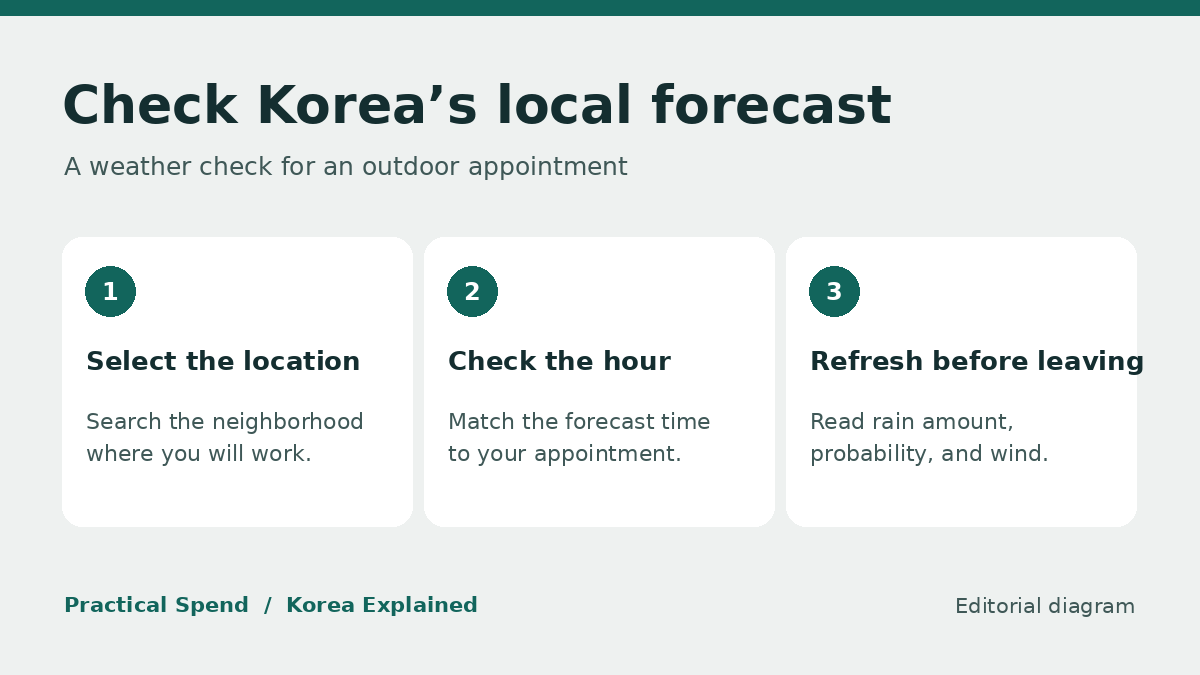
    To check weather for an outdoor appointment in Korea, select the neighborhood where you will be and the hour you expect to work. KMA’s 날씨누리 (Weather Nuri) service provides local hourly forecasts. Confirm the selected location before reading the numbers, especially if the browser initially chooses your current location. [1][2]

    Three-step diagram showing how to select a neighborhood, match the forecast hour to an appointment, and refresh rainfall and wind information before leaving.
    Original editorial diagram for reading a local weather forecast. This is an illustration, not a screenshot of KMA.

    Select the work location and hour

    Open the KMA local forecast and search for the Korean neighborhood name. KMA’s help says the place search offers matching locations as you type. Choose the relevant result and confirm its name. The agency also warns that a computer browser’s reported location can differ from the intended area. [1][2]

    Choose the date of the appointment, then view the hourly series. The guide describes one-hour and three-hour display options. In the table, 기온 means temperature, 바람 means wind, and 강수량 means precipitation amount. For a morning job that extends into the afternoon, read the full work period and your travel time. [1][2][3]

    Read probability and amount separately

    • 강수확률 is precipitation probability, shown as a percentage.
    • 강수량 is the expected amount of precipitation, shown in millimeters.
    • 풍향/풍속 identifies wind direction and speed.

    KMA’s time-label explanation shows that some values refer to the hour ending at the displayed time. For example, its illustrative 01:00 rainfall entry covers 00:00–01:00. Read the page’s time help if you are planning close to a change in the forecast. [3]

    Reopen the forecast before you leave and confirm the place and date again. For weather information, KMA lists the 131 weather call center. An outdoor appointment should also take account of the conditions you encounter at the site. [4]

    Official sources and claim checks

    Each source was opened and checked November 19, 2026 (KST).

    1. KMA — Weather Nuri user guide — Location selection and hourly display options.
    2. KMA — short-term forecast help — Place autocomplete, computer location caveat and hourly series.
    3. KMA — actual local forecast page — Forecast field labels and hourly timing illustration. The default location is an example entry point.
    4. KMA — weather call center — Official 131 inquiry route.
  • How to Check a Planned Water Shutoff for a Seoul Address

    How to Check a Planned Water Shutoff for a Seoul Address

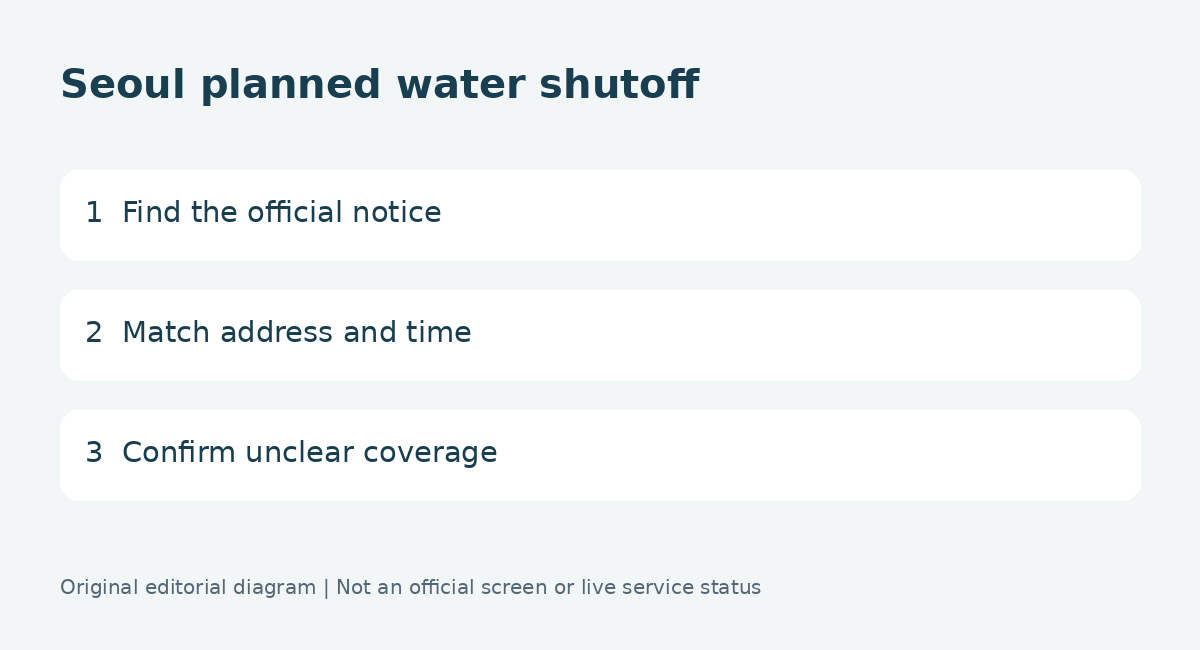
    To check whether planned water work affects your Seoul address, open Seoul Water’s 단수안내 (water shutoff notices), choose the office covering your district, and open the notice for the affected area. Read both the date fields and the time window in the notice body. If it only describes an area around a location, ask the district office or building manager to confirm your address. [1][2][3]

    Three steps: find the official Seoul water-shutoff notice, match the address and time, and confirm unclear coverage.
    Original editorial diagram. Not an official service screen or live status report.

    Find the notice covering your site

    Start at the Seoul Water notice board. The board groups offices by district and provides a search field. If several notices mention the same neighborhood, open each relevant notice and compare the location and work date. 단수사유 is the reason for the interruption. 단수시간 is the time window. For the date, look for 단수시작일 and 단수종료일. [1][2]

    A past November 17 notice for part of Sillim-dong in Gwanak-gu illustrates how the fields work. Both date fields showed November 17, 2026. The planned hours were listed in the detailed text as 13:00 to 15:00. That window applied to that notice, and the notice said field conditions could change the timing. [2]

    Confirm the exact building before changing plans

    1. Match the area to the premises. Use the notice title and its location information together. If you have a road-name address but the notice names a lot-number area, give the office your full Korean address and ask whether it falls inside the affected area.

    2. Confirm with the right contact. The English waterworks office directory lists public phone numbers and district coverage. For an apartment or managed building, also ask management if the building has separate work or an updated notice. [3]

    3. Recheck before the appointment. If a planned interruption would affect a shift or appointment, check the latest notice and ask about timing before making commitments. An empty search leaves the status uncertain.

    Official sources and claim checks

    Checked November 18, 2026 (KST).

    1. Seoul Water — shutoff notice board — Office and district selection and notice search.

    2. Seoul Water — November 17 archived Gwanak-gu notice — Populated date, time, scope, and change caveat, used only as a past example.

    3. Seoul Water — waterworks office directory (English) — Public office contacts and district coverage.

    This guide is based on official documentation, not a live transaction or an in-person service test.

  • How to Track a Domestic CJ Logistics Parcel in Korea

    How to Track a Domestic CJ Logistics Parcel in Korea

    To track a domestic CJ Logistics parcel, get the carrier waybill number from the seller and enter only its digits on CJ’s official tracking page. If nothing appears, verify the number and ask the seller whether the carrier has received the parcel. CJ’s page says that an empty result may mean the waybill is unregistered or the sender is still preparing the item. [1][2]

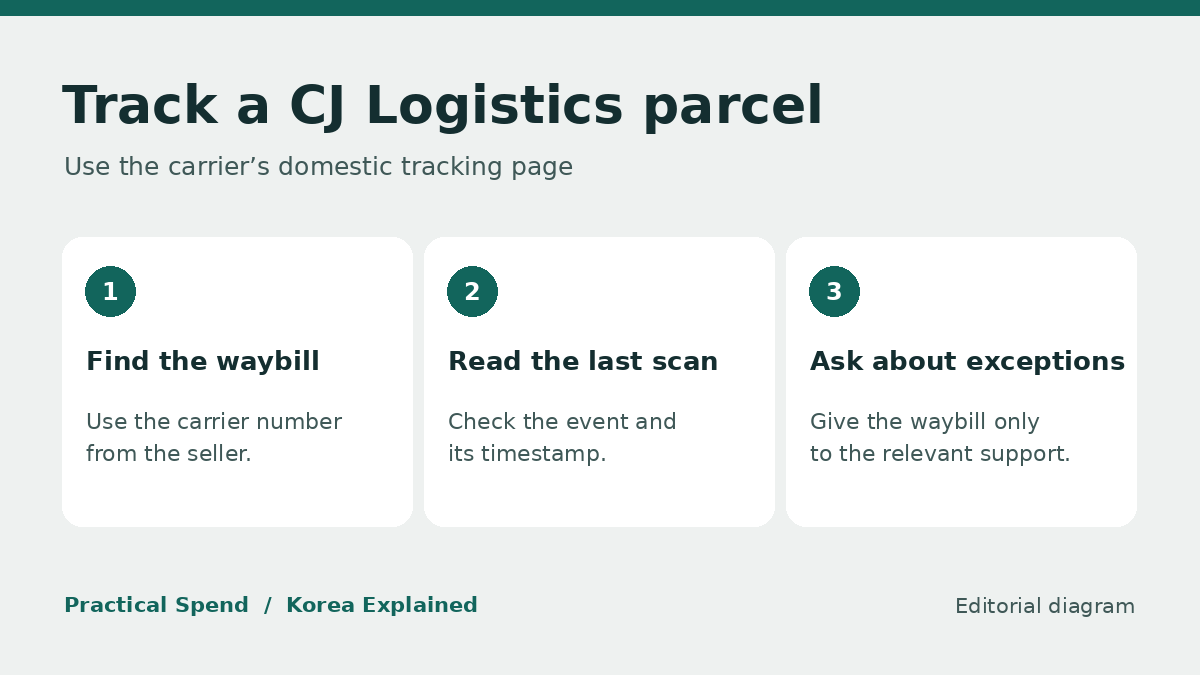
    Three-step diagram showing how to find a CJ waybill, check the most recent tracking event, and contact support when the result is unclear.
    Original editorial diagram for tracking a domestic parcel. It does not depict a CJ Logistics screen or any actual shipment.

    Find the number the carrier uses

    Look for 운송장 번호 (waybill number) in the order’s shipping details or dispatch message. Make sure the carrier is CJ대한통운, CJ Logistics. The order number identifies a purchase in the shop’s system. The waybill number is the reference you need for carrier tracking. Open the CJ domestic tracking page and follow the visible instruction to enter the number without hyphens. [1]

    Read the latest event and decide who to contact

    1. If a result appears: Look for 상품 상태 확인 (check shipment status) and look at the most recent processing entry. Compare the latest event with the order details. If the seller gave you several waybills, repeat the lookup for each parcel. [1]

    2. If the result is empty: Compare the digits with the seller’s message and ask if the parcel has been handed to the carrier. Take the lookup message as an indication to check, without assuming the parcel is lost. [1]

    3. If the result and delivery differ: Check the delivery instructions you gave and ask the seller or CJ for help. Keep the waybill handy for the inquiry. Avoid posting the result publicly because the carrier’s result format includes sender and recipient fields. [1][2]

    CJ lists 1588-1255 for domestic parcel support. For a product return, its domestic guide directs shoppers to contact the seller first about the return procedure. [2]

    Official sources and claim checks

    Checked November 18, 2026 (KST).

    1. CJ Logistics — domestic parcel tracking form — Waybill input, digit-only instructions, no-result message, result headings, and sender/recipient fields.

    2. CJ Logistics — domestic parcel service guide — Carrier inquiry number and seller-first return guidance.

    This guide is based on official documentation, not a live transaction or an in-person service test.

  • How to Refund the Balance on a Physical Tmoney Card

    How to Refund the Balance on a Physical Tmoney Card

    To refund unused balance on a physical Tmoney card, check the balance first and take the card to a refund point that handles that amount. Tmoney’s English guide lists CU and emart24 for balances up to ₩30,000, with a ₩500 convenience-store fee. The refundable amount is the stored value. The price you paid for the card itself is excluded. [1][2]

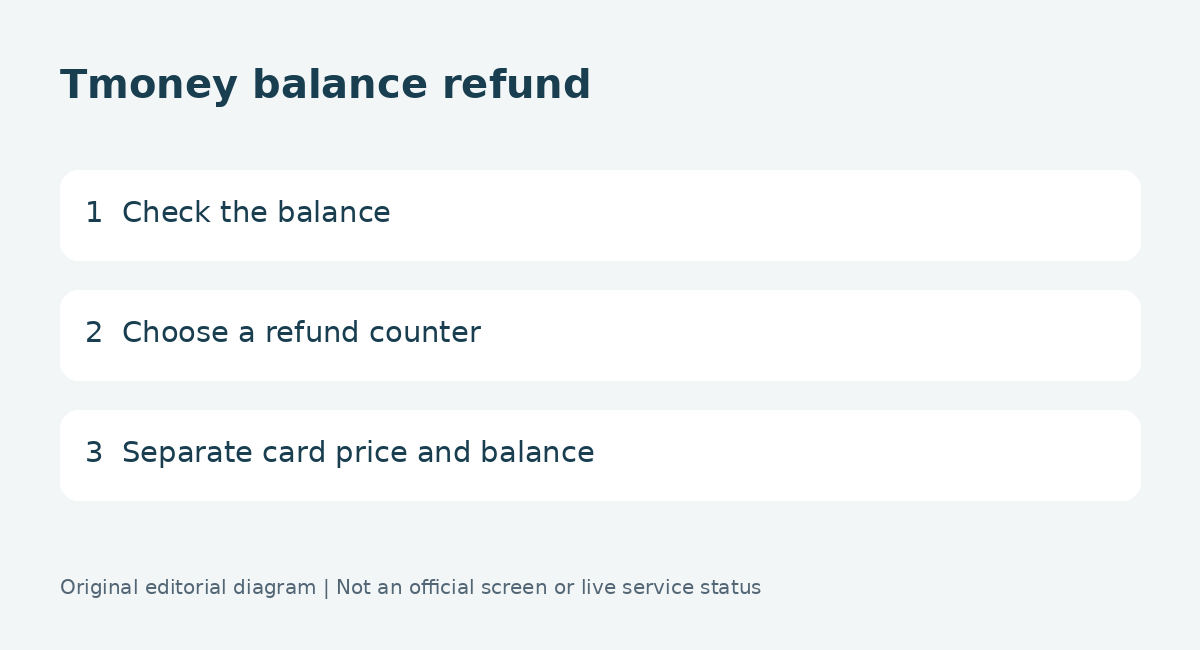
    Three steps: check the Tmoney balance, choose a refund counter, and separate card price from the refundable balance.
    Original editorial diagram. Not an official service screen or live status report.

    Check the balance before choosing a counter

    Tmoney says you can check at a subway top-up machine or ask at a convenience store. 잔액 means remaining balance, and 환불 means refund. Check the amount before you go to a particular chain. The official guide gives different limits for different chains, so use its table when your balance is close to a cutoff. [1][2]

    1. At a participating convenience store: Hand over the physical card and say 티머니 잔액 환불해 주세요 (“Please refund my Tmoney balance”). The guide says the retailer pays back the eligible balance in cash less the ₩500 fee. For example, if the balance is ₩10,000 and the store processes it under that rule, the refund is ₩9,500. [1]

    2. Above ₩30,000: Check the operator’s English instructions for a Seoul-area station customer service center or Tmoney Town. Confirm hours, limits, and the payout method before making the trip. Tmoney’s guide says some larger refunds at its headquarters require ID and are paid into a bank account. Its guide directs foreign-language callers to Seoul’s 120 line, option 9, for Tmoney Town hours and directions. [1]

    3. If the card will not read: Tell Tmoney which card you have and ask for the relevant support process. This guide covers the ordinary physical-card counter process. Tmoney publishes separate instructions for mobile and other balances. [1][2]

    For a balance near or below the convenience-store fee, check whether you would rather use the remaining amount with a participating merchant. Tmoney’s English refund guide lists the current routes and exceptions. [1]

    Official sources and claim checks

    Checked November 18, 2026 (KST).

    1. Tmoney — English physical-card refund guide — Traveler-facing physical card scope, balance check, store limits, fee, cash and larger-balance routes.

    2. Tmoney — Korean balance and refund guide — Physical balance check, separate mobile routes, and excluded card purchase price.

    This guide is based on official documentation, not a live transaction or an in-person service test.

  • How to Choose a Parking Lot at Gimpo Airport

    How to Choose a Parking Lot at Gimpo Airport

    Choose parking at Gimpo Airport by starting with the terminal you need. Korea Airports Corporation lists Domestic Parking Lots 1 and 2, the International Terminal parking area, and a separate cargo terminal lot. Check the official lot map and the price section for the exact facility before leaving. [1][2]

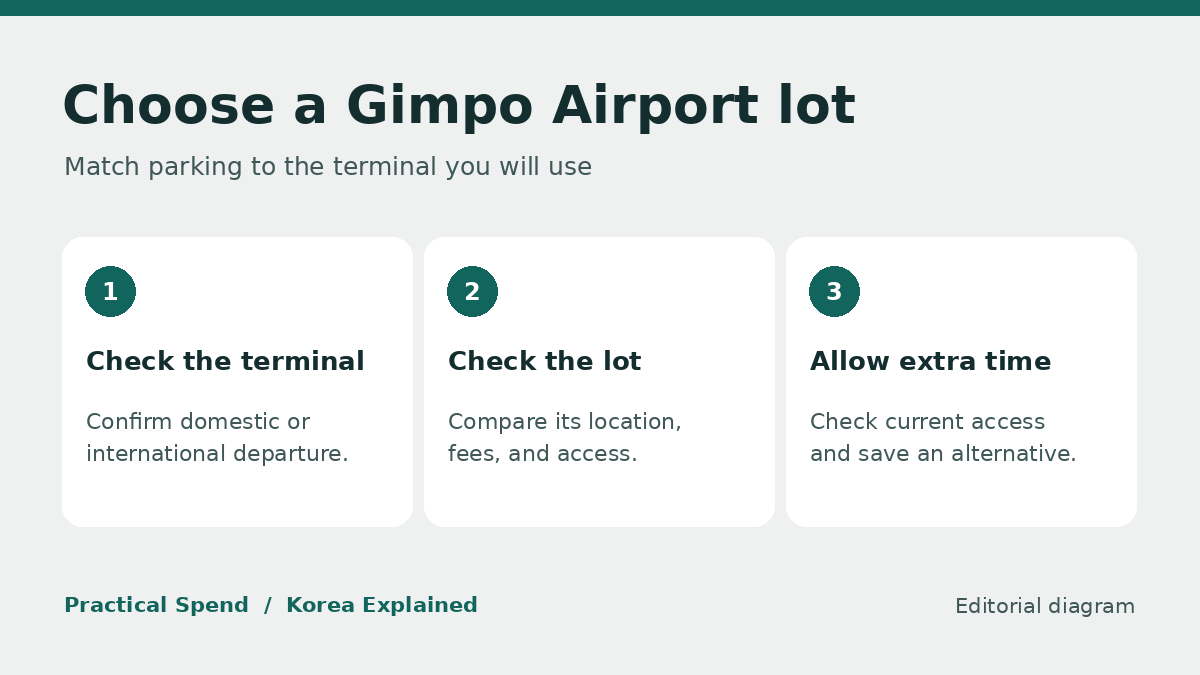
    Three-step diagram showing how to check the terminal, compare parking lot location and fees, and leave time for an alternate parking plan.
    Original editorial diagram for choosing a parking lot at Gimpo Airport. It does not depict an airport map or live parking availability.

    Start with your destination

    – Domestic flight or pickup: Look for 국내선 (domestic terminal) and compare 제1주차장 and 제2주차장 (Parking Lots 1 and 2). Use the map to choose a lot based on the terminal door you will use. [1][2]

    – International departure or pickup: Look for 국제선 (international terminal) on the lot guide. Check the international parking entry in the fee tables. [1][2]

    – Cargo appointment: 화물청사 means cargo terminal. Confirm the receiving office and its entrance with your contact, then check the separate cargo parking entry. [1][2]

    Compare the charges and the walking route

    Open the airport’s English parking fee page. Find the row or section for the parking area and vehicle class you expect to use. Check how the schedule distinguishes short stays from longer stays and how charges carry forward when you stay another day. Save the intended lot name in Korean so you can match it to signs on arrival. [1][2]

    If you are picking someone up, agree on the terminal and an indoor meeting point before you drive. If you need extra unloading space or step-free access, check the route from the lot to the terminal with airport staff before the trip. Allow time for an alternative lot if the one you planned to use is full.

    For current access directions, start with the airport’s Korean parking lot guide and call Korea Airports Corporation at 1661-2626 or the parking support center at 1544-7877. [1]

    Official sources and claim checks

    Checked November 18, 2026 (KST).

    1. Korea Airports Corporation — Gimpo parking lot guide — Official lot categories and maps, airport inquiry route.

    2. Korea Airports Corporation — Gimpo English parking fees — Domestic, international, and cargo facilities and charging rules by lot or vehicle class.

    Documentation-based guide. No reservation, payment, journey, or in-person service was tested. Confirm current arrangements with the relevant provider.

  • How to Borrow Household Tools From a Seoul Community Center

    How to Borrow Household Tools From a Seoul Community Center

    For a one-off repair, use Seoul’s household tool lending program to find a center in your residential district. Search the public Eshare portal for the tool, then call the listed center to confirm stock and whether you can borrow it. Seoul says its district programs lend items such as power drills and household tool sets through community centers and similar sites. [1][2]

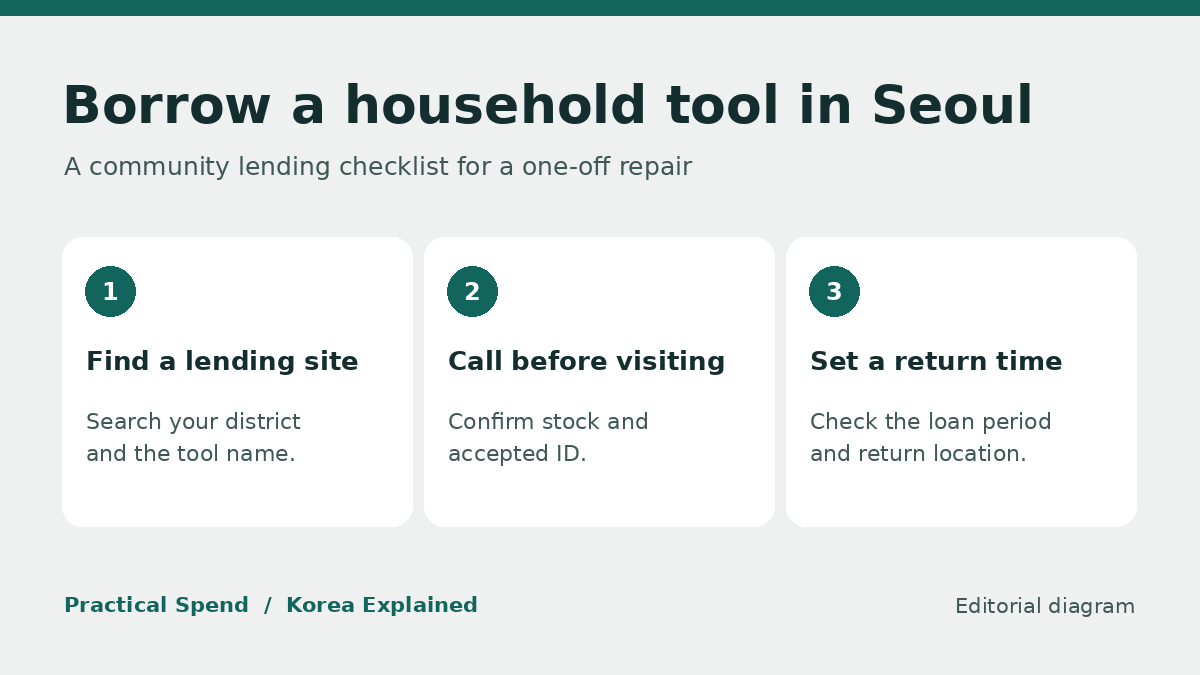
    Three-step diagram showing how to find a district lending site, check tool stock and accepted ID, and confirm the loan period and return location.
    Original editorial diagram for arranging a household tool loan. It does not depict a government website or reservation screen.

    Search the district and tool name

    Open Eshare, also called 공유누리, and use 물품대여 (item lending). Seoul’s sharing-service guide directs residents to search for tools by Seoul district and reserve with the relevant center by phone or online. Search for 공구대여소 (tool lending center), 전동드릴 (power drill), or the Korean name of the tool you need. Record the center name and contact from the listing. [1][2]

    If there is more than one center, choose the location with the right tool and a practical return trip. A center near your workplace might be in a different district from your home. Seoul’s guide describes lending through centers in your district of residence. Ask the center directly if that distinction affects your request. [1]

    Confirm the terms before visiting

    1. Check the exact item. If you need a drill, ask whether the appropriate bit comes with it and whether a unit is available for the dates you need.

    2. Check the documents and cost. Ask which identity and address documents it accepts for a foreign resident, and whether there is a charge or deposit. The citywide overview leaves these details to the lending site.

    3. Confirm the handover. Ask whether you need a reservation, which desk handles pickup, and when and where to return the tool.

    A useful call opener is 생활공구를 빌릴 수 있나요? (“Can I borrow a household tool?”). Follow with the tool name and dates. Use the center’s listed contact to confirm the arrangement before traveling.

    Official sources and claim checks

    Checked November 18, 2026 (KST).

    1. Seoul Metropolitan Government — household tools and shared items — Program scope, residential district, Eshare search path, reservation routes and tool examples.

    2. Eshare — public sharing portal — Public portal entry for item lending.

    Documentation-based guide. No reservation, payment, journey, or in-person service was tested. Confirm current arrangements with the relevant provider.