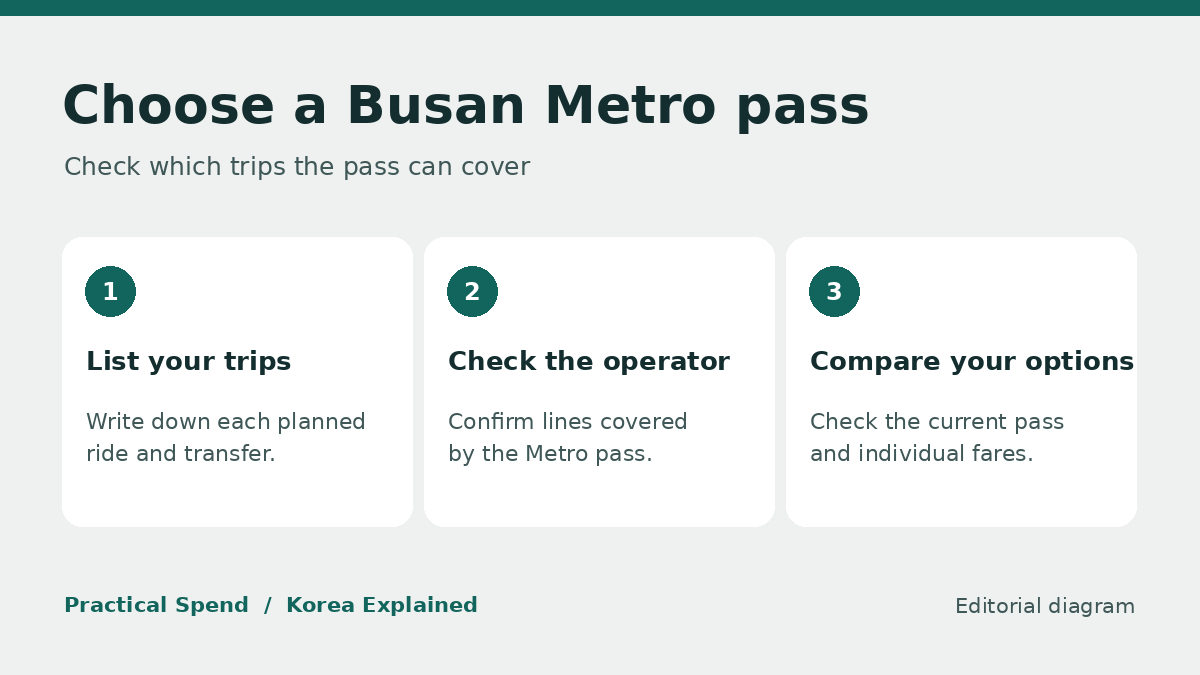
A Busan Metro 1-day pass can make sense if you’ll make several covered Metro trips on the same day. The operator lists an adult price of ₩6,000 for unlimited eligible journeys on the day of purchase. Buses, the Donghae Line, and Busan–Gimhae Light Rail Transit use separate fares. Check each leg before comparing costs. [1][2]
Original editorial diagram for comparing Busan transit tickets. It does not depict a ticketing screen or a route map.
List the trips the pass would cover
Write down the start and end stations for each stop on your work or errands route. Check the operator on the station or route listing. The Metro operator sets out the excluded services in its fare guide. [1]
If you plan to make several Metro trips between appointments, compare the pass with the fares you would otherwise pay for those trips. If your day includes a bus, the Donghae Line, or the light rail, compare the total route with those separate fares included. For a trip involving a transfer, use the fare you would actually pay under the payment method you plan to use.
Check how you will get the pass
The operator’s English user guide says foreign users can access its mobile ticketing service as non-members with an email address and verification code. It also describes a station machine workflow for season tickets linked to the mobile service. If you need help with the app or payment, ask station staff before you buy or call the operator’s listed number, 1544-5005. [2]
The pass is valid for the day of purchase. If you are preparing a route today for tomorrow, check the timing before you buy. The operator’s refund guidance limits a refund for the 1-day pass to unused tickets within its stated period. [1][2]
Before deciding, check your first and last station, any separate operator along the way, and the current fare for the pass and for your planned trips.
Official sources and claim checks
Checked 2026-11-17 KST. Verify any changing prices, opening hours, payment procedures, or live status before publication.
To report a power outage in Korea, use KEPCO’s electricity fault line. KEPCO lists 123 from a landline and your area code followed by 123 from a mobile phone. The company says the fault reporting service operates 24 hours. If the problem appears to affect only your unit, ask your building manager whether it is a building issue. [1][2]
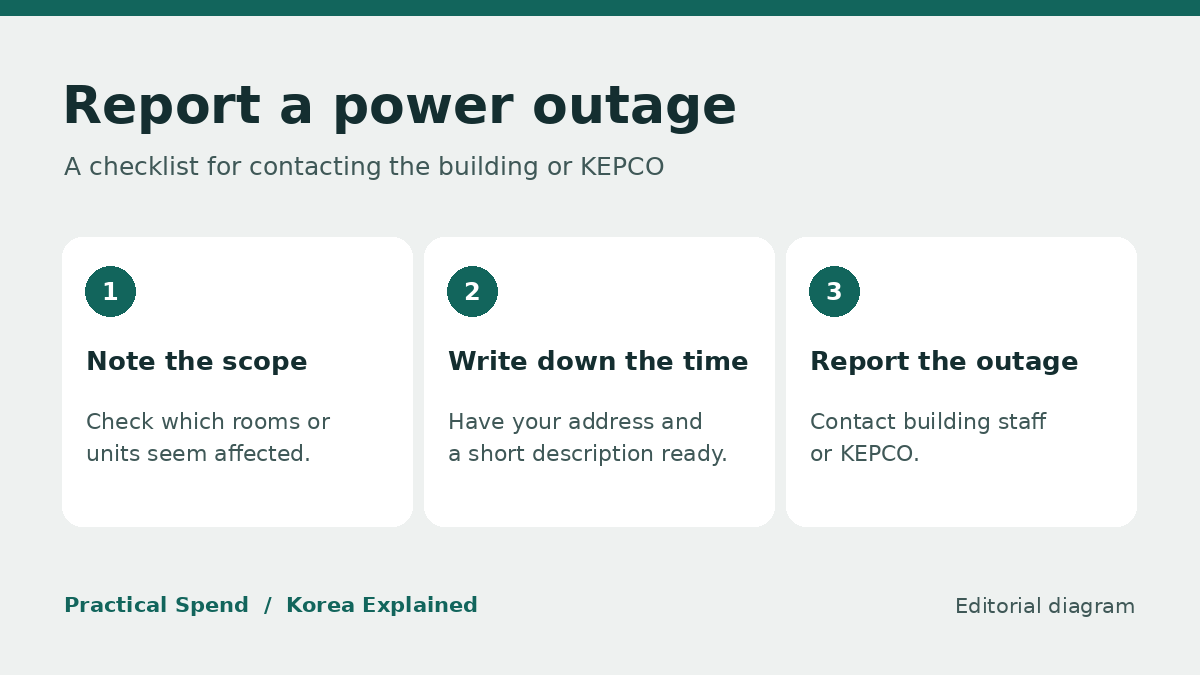
Original editorial diagram for reporting an outage. It does not depict KEPCO’s website or electrical equipment.
Note what happened
Write down the Korean street address and any building or unit reference that identifies the affected premises. Note approximately when the power stopped and what seems affected: one unit, the whole property, or other buildings nearby. Share what you observed. KEPCO describes customer reports as one way its operators learn about an outage, then identify and isolate the affected area. [1]
If you are in an apartment, shared office, or shopping building, ask the 관리사무소 (building management office) whether there is planned work or a report already in progress. If multiple premises appear affected or you cannot establish the scope, describe that clearly when contacting KEPCO. For example, a Seoul caller using a mobile phone would apply KEPCO’s dialing format as 02-123. [2]
Give the operator the key information
정전이 됐어요. The power went out.
주소는 [address]입니다. The address is [address].
[time]부터 전기가 안 들어와요. The power has been out since [time].
다른 세대도 정전인지 모르겠어요. I’m unsure whether other units are affected.
Ask whether a report already exists for that address and whether there is an update you can share with the building manager or your team. Use the KEPCO outage response page for its reporting guidance and the KEPCO contact page to confirm the phone format. [1][2]
Official sources and claim checks
Checked 2026-11-17 KST. Verify any changing prices, opening hours, payment procedures, or live status before publication.
To find a public restroom in Seoul, open the city’s Public Restroom layer in Smart Seoul Map and look near the address or stop you will actually use. Check the street address and whether the restroom is inside a building. If the map gives only a location, ask the facility about its opening hours and entrance. [1][2]
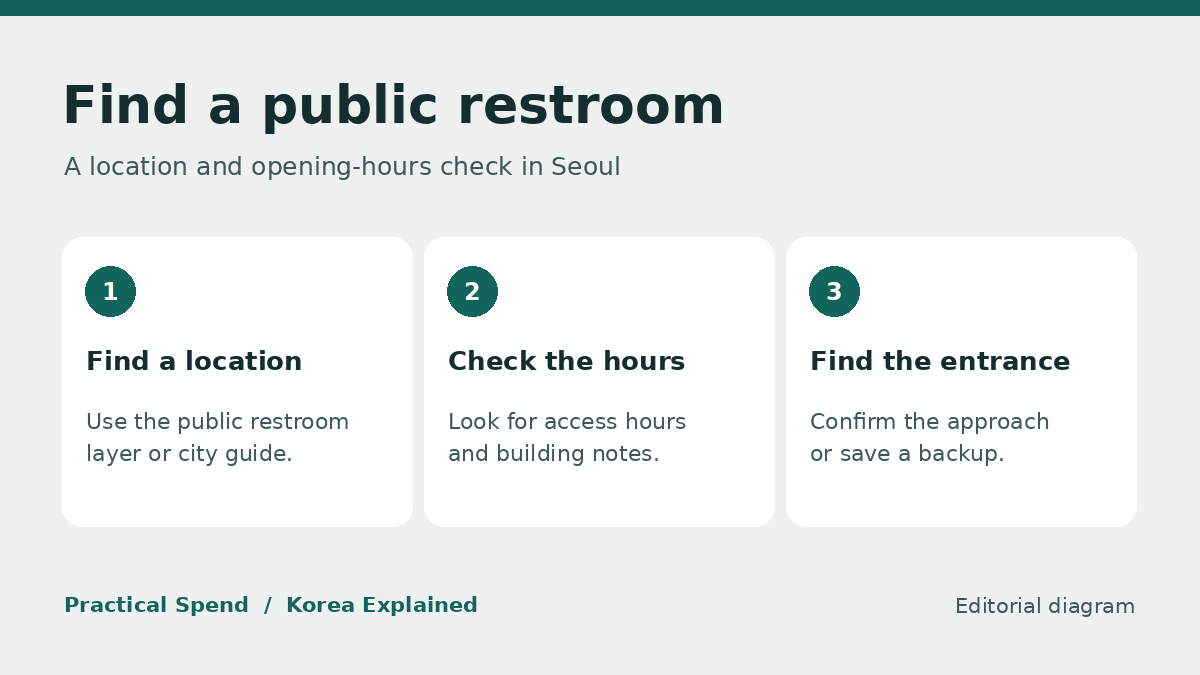
Original editorial diagram for planning a restroom stop. It does not depict the city’s map.
Find a usable stop
Open the Seoul public restroom map layer. In the Korean menu, Seoul directs users to 도시생활지도 (City Life Map), then 공중화장실 (public restrooms). The guide also refers to 개방화장실, a restroom made available for public access. After locating a candidate, note the name or address so you can recognize it on arrival. [1][2]
If the map is difficult to use, Seoul’s guide also suggests searching 화장실 (restroom) in Naver Map or Kakao’s Daum map. Compare the result’s address with the location you expect to use. [1]
Check the entrance before you detour
Use the actual building entrance. A pin can identify the building or property. Look at the name and address together, and make sure you know which side of the property you can approach.
Check hours at your travel time. If the entrance is behind a building lobby, gate, or after-hours security desk, ask the facility operator how to enter. For a city information question, Seoul lists 02-120. [1]
Verify an access need directly. If you need a step-free entrance or particular stall features, contact the facility when possible. Save a second nearby location if the practical details are unclear.
If you make deliveries to the same area regularly, keep the name and entrance note for the stop that works. Recheck opening hours for an evening, weekend, or holiday route.
Official sources and claim checks
Checked 2026-11-17 KST. Verify any changing prices, opening hours, payment procedures, or live status before publication.
If a seller gives you a Korean KC record number, compare it with the model on the actual product or its packaging before you order. Safety Korea’s public certification search shows the model, product name, number, and listed status. Use those fields together to see whether the listed record matches the item being offered. [1][2]
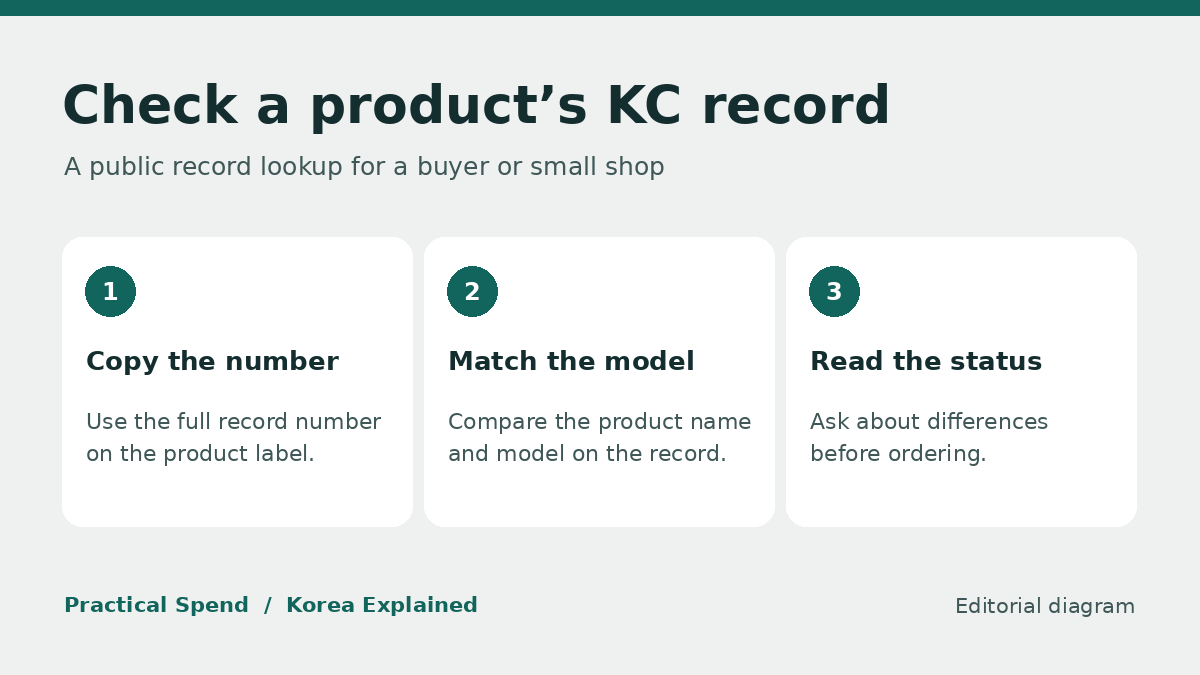
Original editorial diagram for a public record lookup. It does not depict Safety Korea or an official product label.
Get the identifiers before you search
Ask for a readable photo of the product label if the listing only shows a KC mark. Write down 인증번호 (certification number as labeled by the portal), 모델명 (model), and 제품명 (product name). Keep prefixes, hyphens, and suffixes. A family name or brand may cover several different models.
Open Safety Korea’s certification search. It lists categories for electrical appliances, household products, and children’s products. Select 조건검색 (search by criteria), enter the supplied number in 인증번호, and compare it with the result. If you cannot get a number, ask the seller to confirm it before proceeding. [1]
For a worked example from the public records, entering JN07037-26003 returned model JV-25BF when checked for this guide. Click the model to see the detail record. This example shows how identifiers match across screens. Use the number from your own item for your lookup. [4]
Read the details before drawing a conclusion
Match the model. Compare the full model code with the label or order line. If the listing shows a related model with a different suffix, ask the seller which record covers the exact model.
Check the status and any change. Safety Korea labels status 인증상태 on the detail page. The page format also includes the certification body, category, dates, and change reason when provided. Record the detail and the date you checked. [2]
Resolve a mismatch. Ask the seller or listed issuing body to explain it. Safety Korea lists 1381 for certification and standards inquiries. [3]
This is a public-record comparison. If you plan to import or sell the product, ask the responsible authority which rules apply to the exact item and your role. Any lookup result should be checked separately from a recall search. [1][2]
Official sources and claim checks
Checked 2026-11-17 KST. Verify any changing prices, opening hours, payment procedures, or live status before publication.
Safety Korea — certification search — Visible category and result columns and the link to the criteria form. The form’s certification-number field and public example result were checked directly.
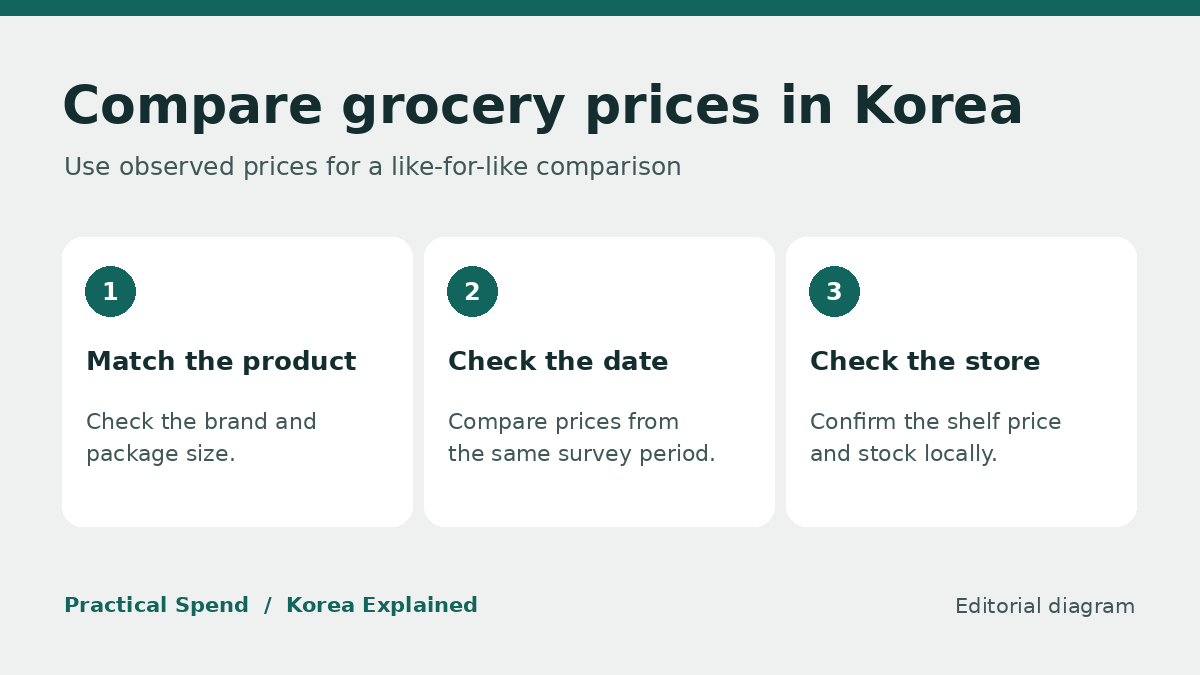
The Korea Consumer Agency’s Champrice portal compares observed prices for selected groceries and household essentials. Start with the same product and package size, compare figures from the same survey period, and check the actual price with the store before going there. A price in the report is a shopping benchmark. [1][2][3]
Original editorial diagram for comparing observed grocery prices. It does not depict the Champrice website.
Find the product and check the package
Open the KCA essentials price report. Look for 품목별가격정보 (prices by item). The report provides searches by survey week and item, with options for retailer types. 업태 means retailer type. Use it when you want to compare the same item across store formats. [2]
If there are several similar products, cross-check the product information page. 상품명 means product name and 제조업체 means manufacturer. The page also shows total and unit quantities. Copy the size from your usual package before comparing. A small pack can cost less at checkout while costing more per gram. If you need to compare different sizes, divide each package price by its stated quantity in the same unit. [3]
Interpret the result before planning a trip
Use one survey period. Compare figures from the same week so a price change over time does not look like a difference between stores.
Check what the number represents. If it is an average, use it as a benchmark. The agency says temporary promotions and missing prices for out-of-stock items can affect reported averages. [2]
Check the store today. Confirm the price and stock with the retailer, especially if you are making a separate trip for a promotion. The agency covers selected essentials and retailers, so a missing result leaves that product or store unpriced in the report. [1][2]
For a weekly grocery run, pick a few items you buy repeatedly and record the name, package size, survey week, and reported price. Compare that list with your receipts over time. You can use the KCA explanation of Champrice if you want to check what products and retailers the survey covers. The portal lists the agency’s general contact as 043-880-5500. [1]
Official sources and claim checks
Checked 2026-11-17 KST. Verify any changing prices, opening hours, payment procedures, or live status before publication.
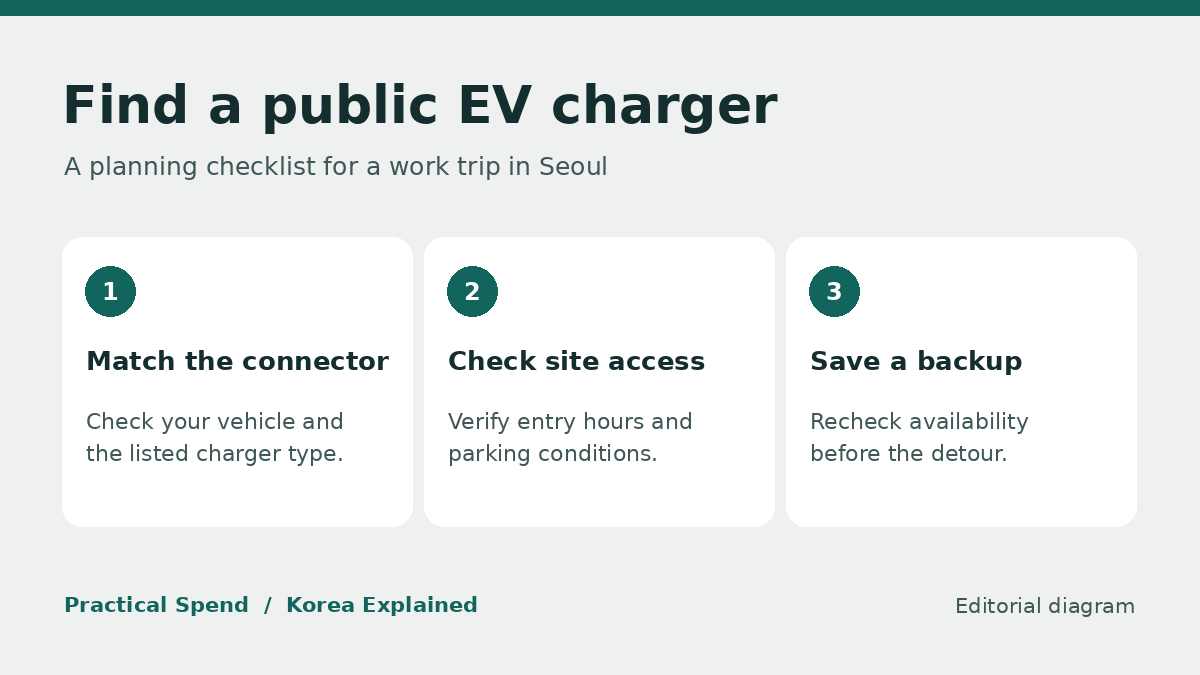
Before detouring to a charger in Seoul, use the national charging-station map to find a compatible station and open its details. Check the connector, access restrictions, available hours, parking information, and operator contact. A “24-hour” label does not mean every driver may enter. Save a second compatible stop in case your first choice is occupied or inaccessible. [1]
Original editorial diagram for planning a charging stop in Seoul. It does not depict live charger availability or a government portal.
Search Seoul, then open the station details
Open the national map linked above. Under 시/도 (province or city), deselect 전체 (all) and select 서울특별시 (Seoul). Enter a station or facility name in 검색어 (search term), then choose 검색 (search). Open a result card to see the station’s detail panel. This public search and detail route was checked without signing in or granting location access on November 17, 2026. [1]
Read the result card’s 개방형 (open-access) or 폐쇄형 (restricted-access) label, then inspect 충전기 현황 (charger information), 시설 정보 (facility information), and 이용자 제한 (user restrictions) in the detail panel. Do not assume every listing has complete or current information. [1]
Match your vehicle’s connector. Compare the listed connector with your vehicle manual or rental instructions. The reviewed details showed a power band, not necessarily an exact kW rating. Save the facility name, address, and operator. Record a unique charger ID only if one is actually supplied; a row number in a list is not evidence of a unique charger ID. [1]
Check whether you may enter. Read the access label and user restrictions separately from the opening hours. Confirm visitor access, gate hours, and any separate parking charges with the operator or facility if they are unclear.
Check the status and its recorded time. A displayed status is time-sensitive, not a reservation or a promise that a charger will be available when you arrive. Recheck before leaving your route, and keep an alternative stop. [1]
“24-hour” does not mean open to everyone
During the November 17 check, the result for 중계 성원 2차아파트 in Seoul showed both 24시간 이용가능 (available 24 hours) and 폐쇄형 (restricted-access). Its details stated 거주자외 출입제한: entry restricted to residents. A driver should not treat that listing as a public stop simply because the hours say 24 hours. This is an example of how to read the labels, not a recommendation to visit that facility. [1]
For a different listing, 한국상하수도협회, the reviewed card showed open access and 24-hour availability, while its details showed DC Combo and a 100–199 kW power band. Those labels were observed on November 17, 2026; they do not establish the exact power you will receive, current availability, or access conditions on a later visit. [1]
Confirm the practical details before a detour
Use the operator contact in the station details to ask how to start and pay for a session and which support number applies to that charger. If you rely on an account or a foreign-issued card, confirm that arrangement before the trip. This guide does not establish card acceptance or account eligibility.
Treat any displayed fee as a reference, not a guaranteed final price. The portal cautions that charges can vary with membership, discounts, time period, and roaming arrangements. Check the terms that apply to your session rather than budgeting from a fixed example. [1]
Seoul’s public charging-station overview also points to the national portal. Its downloadable location list can help identify stations, operators, and charger types, but it is not a substitute for checking detailed access conditions. Do not rely on that file to supply opening hours, user restrictions, exact power, or a unique charger ID. [2][3]
Before leaving: save the station name and address, confirm the connector and visitor access, check the status timestamp, and keep a second compatible option. Allow time to enter and exit the parking area.
Official sources and verification scope
National zero-emission vehicle portal — charging-station map — Public Seoul search, result-card details, connector and power-band displays, access labels and restrictions, status timestamps, operator contacts, and fee qualifications. The route and two examples above were checked on November 17, 2026, between 13:15 and 13:18 KST. Detail panels used the same map URL; reproduce them by searching the facility names. No live availability is promised.
Seoul Metropolitan Government — downloadable station list — Supplementary location, operator, and charger-type list. Earlier independent QA retrieved the file on November 17 and found that the detailed fields claimed in v1.0 were not present.
Verification covered public pages and the map’s search/detail interface. It did not include a phone call, physical entry, a charging session, or payment. Recheck time-sensitive details before travel.
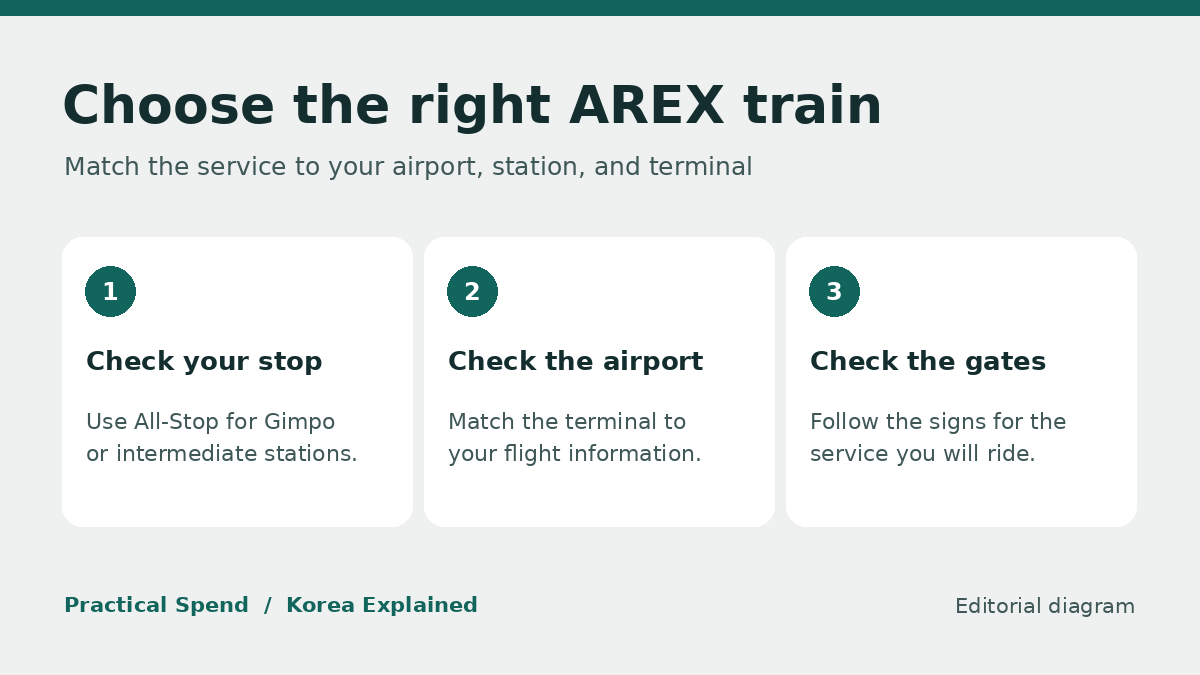
Take the AREX All-Stop Train for Gimpo Airport, Hongik University, Digital Media City, or other intermediate stations. The Express Train connects Seoul Station with Incheon Airport’s terminals, with no intermediate city stops. From Seoul Station to Incheon Airport, either service may fit. Compare departures, your destination terminal, and which ticket you need before you enter the gates. [1][2][3]
Original editorial diagram for choosing an airport train. It does not depict an operator map or timetable.
Choose by the station you need
From a neighborhood station: Choose 일반열차 (All-Stop Train) if you plan to board at Gongdeok, Hongik University, Digital Media City, or another intermediate station. Look for an airport-bound service that reaches your terminal. Check the destination on the departure display. [1]
For Gimpo Airport: Select the 김포공항 (Gimpo Airport) stop on All-Stop. It is a separate airport from Incheon. At Seoul Station, follow the All-Stop signs for the Gimpo journey. [1][2]
From Seoul Station to Incheon Airport:직통열차 means Express Train. Choose it if its departure and destination fit your plans and you want its separately ticketed, reserved-seat service. All-Stop is also an option from Seoul Station. [1][2][3]
Match the ticket and terminal before boarding
VISITKOREA says All-Stop accepts several types of transit cards, including a single-use transit card. Express uses its own ticket, available online or at station ticket machines. Follow the signs for the service you chose. At Incheon, distinguish 인천공항1터미널 (Terminal 1) from 인천공항2터미널 (Terminal 2). Use the terminal shown for your particular flight or meeting. [1][2][3]
For example, if you work near Digital Media City and are meeting someone at Incheon Terminal 2, use the All-Stop station at Digital Media City and confirm the destination on the next train you plan to board. If you start at Seoul Station instead, compare both services before heading to a gate.
The operator’s passenger FAQ lists the AREX call center at 1599-7788. If you’re traveling early or late, check the current timetable for the station you plan to use to confirm your departure. [4]
Official sources and claim checks
All sources below were opened and checked on 2026-11-16 KST. Recheck date-sensitive hours, prices, and service status before publication or use.
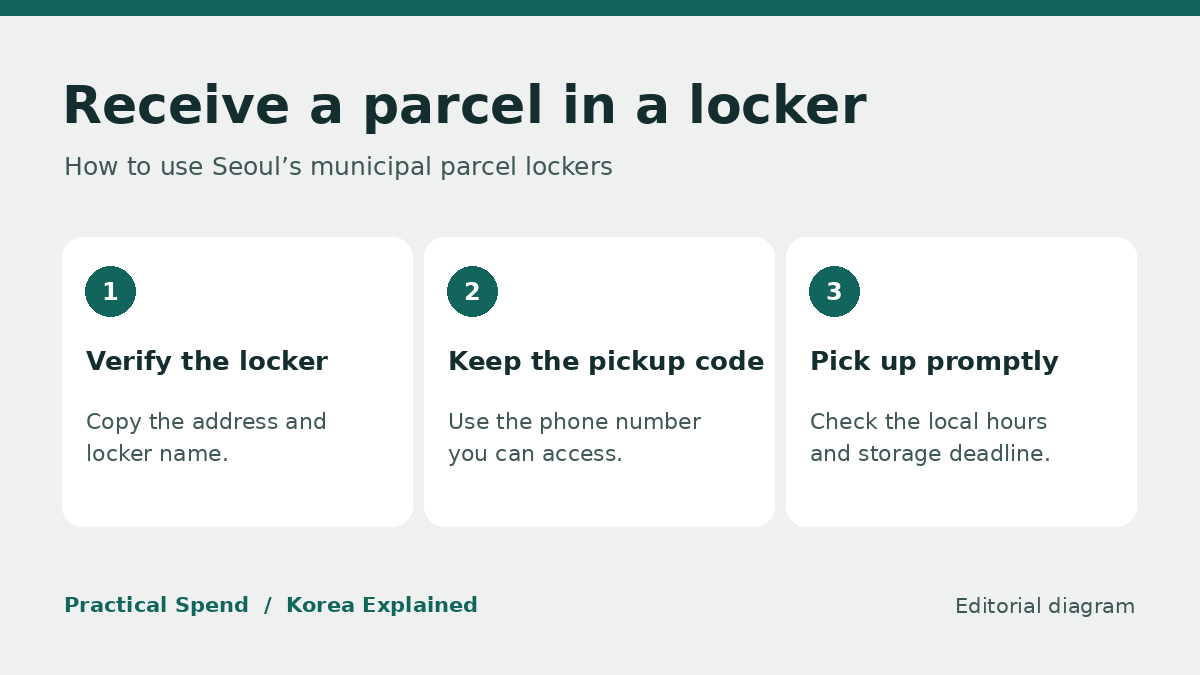
To receive a package at a Seoul municipal parcel locker, choose a location from the city’s operating list and use the locker’s address as the delivery address. Add 서울시 안심택배함 at the end of the address. The courier places the package in the locker, and you enter the code from the arrival text to collect it. [1]
Original editorial diagram for municipal locker pickup. It does not depict an actual locker keypad or an SMS message.
Choose the right locker and address
Open the city’s 2026 municipal parcel locker list. 안심택배함 is Seoul’s municipal parcel locker service. The table lists the district, neighborhood, locker name, address, and notes. Copy the Korean address and add the required suffix so the courier can identify the locker. The city lists the service for Seoul citizens generally and describes a phone-based pickup process. It does not spell out a separate foreign-resident or overseas phone number procedure. Check with the locker help desk if you are unsure whether your number will work. [1]
Check local access. Seoul says most sites run around the clock and identifies exceptions. Look at the location notes before choosing a site you can reach only in the evening.
Check parcel size and delivery compatibility. Compare the packed dimensions against the locker sizes in the city notice. Before ordering a large item, ask the seller or courier whether it can deliver to that address and what happens if there is no suitable compartment. Seoul prohibits using the locker to store cash and valuables. [1]
Enter a mobile number you can access. The courier enters the recipient’s phone and tracking numbers during deposit. Wait for the arrival text and keep the code available for pickup. If you have an issue, call the program instead of sharing the code publicly. [1]
Pick up within the free period
Pick up the package within 48 hours of the arrival text. Seoul lists a charge of ₩1,000 per day after the free period. If no text arrives after delivery or the code is rejected, call the city’s locker help desk at 1666-0339. Have the location name and tracking number available for the call. [1]
Before placing the order — Check that your chosen location is open when you can get there and that you can receive the arrival text.
Official sources and claim checks
All sources below were opened and checked on 2026-11-16 KST. Recheck date-sensitive hours, prices, and service status before publication or use.
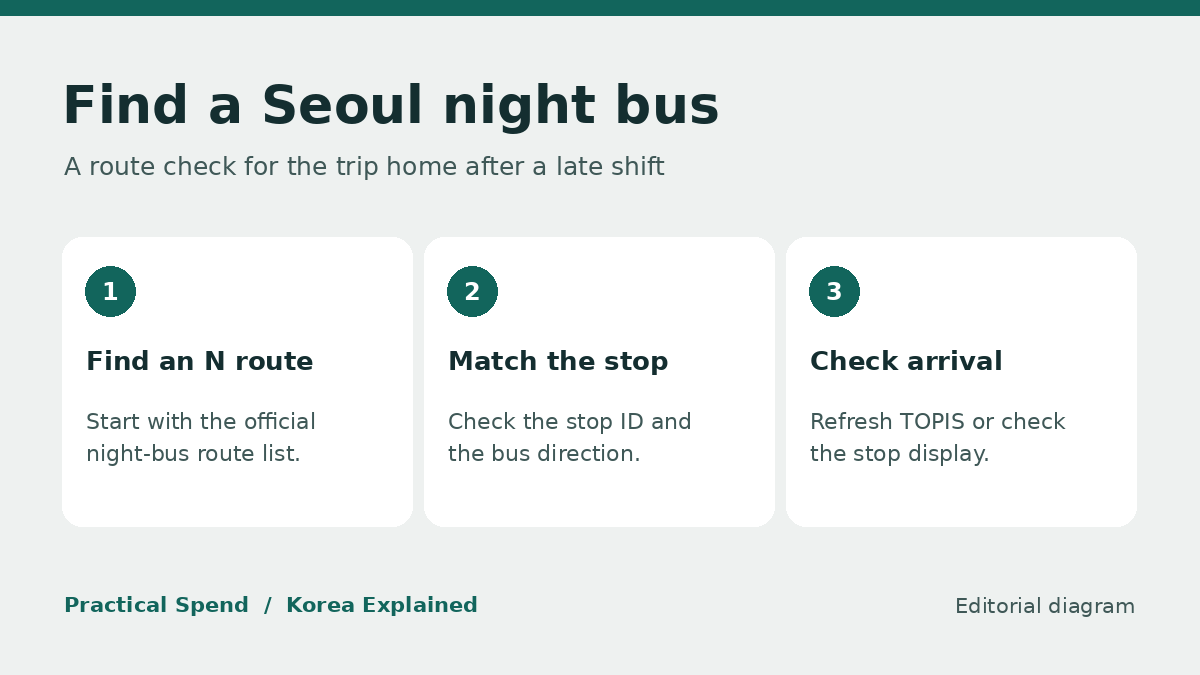
After a late shift in Seoul, look for an N-numbered Owl Bus that goes past both your boarding area and your destination. Read the route in the direction you need, then check the exact stop and next arrival in TOPIS or on the electronic display at the stop. Seoul publishes route-level operating details, while TOPIS and the stop displays provide real-time information. [1][2][3]
Original editorial diagram for a late-night commute. It does not depict a TOPIS screen or a live timetable.
Find the route, then check both stops
Open the city’s Owl Bus operating page. 올빼미버스 means Owl Bus. The city’s table lists N-numbered routes, endpoints, intervals, and first and last runs. Use it to identify a candidate route. An endpoint departure time does not tell you when that bus reaches an intermediate stop. [1]
Write down the bus number and the Korean name or ID of your boarding stop. Look for 정류장 (bus stop) on signs or route information.
Compare the sequence of stops with your route home. If stops on opposite sides of the street have similar names, match the stop ID or confirm the direction toward your destination.
Check the bus at that stop in TOPIS, under 버스 (bus), or use the stop’s bus information terminal if one is available. If you need a second bus, check its arrival separately and allow time to reach the connecting stop. [2][3]
Confirm the last usable ride
The city operating page gives an overnight service window and separate first and last departure information for each route. Treat the table as a planning reference and check the stop again as you leave. A route can be part of the Owl Bus network without serving your stop at the hour you need. For a municipal inquiry, use the City Hall number 02-120 listed in Seoul’s English overview. [1][2]
Example: If an N bus passes your workplace and your neighborhood, check which stop sends it toward home and whether you can walk from the last stop safely and comfortably at that hour. Save the stop name and a backup route while you have a connection.
Official sources and claim checks
All sources below were opened and checked on 2026-11-16 KST. Recheck date-sensitive hours, prices, and service status before publication or use.
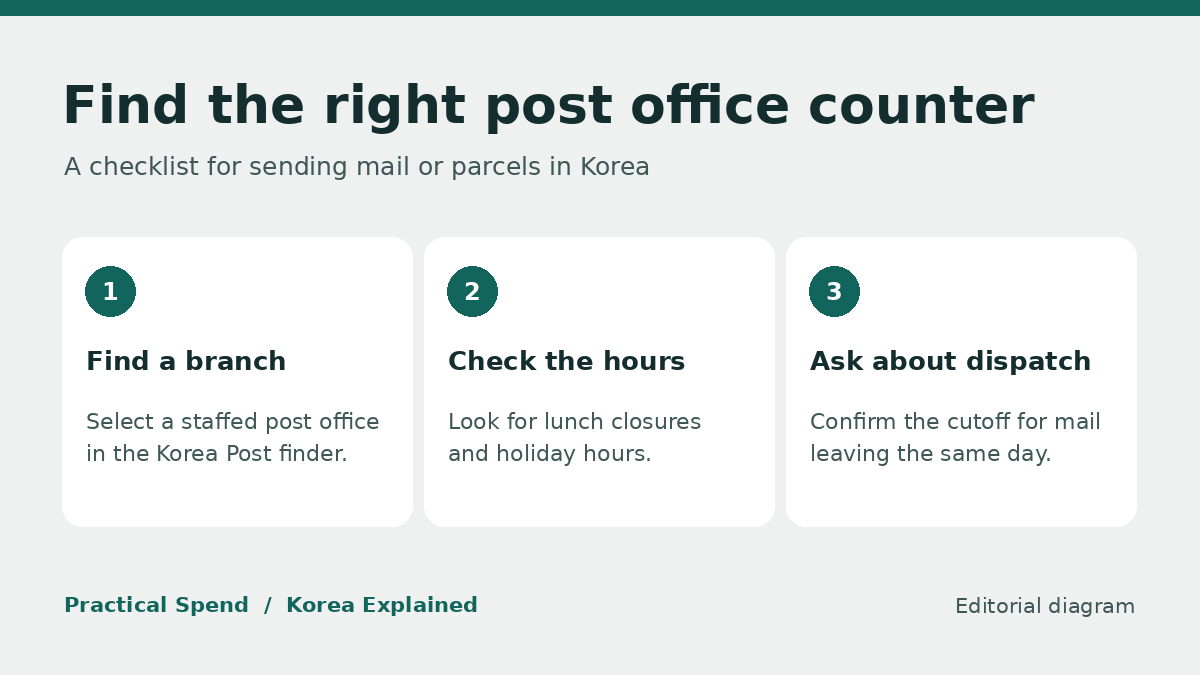
To find an open Korea Post counter, search for a staffed branch and check its postal hours, lunch break, and last acceptance time for mail leaving that day. Korea Post lists standard postal counter hours as 9 a.m. to 6 p.m. on weekdays, excluding public holidays. Same-day dispatch can cut off earlier, and Korea Post says this cutoff varies by branch. [1][2]
Original editorial diagram for planning a postal counter visit. It does not depict the Korea Post website.
Search for a staffed post office
Open the Korea Post location finder and select 우체국 (post office). Enter a Korean district, address, or branch name in the address and post office search field. The finder also has a subway station search. Copy the selected branch’s name and address before you set out. [1]
The location finder includes 우체통 (mailboxes) and 365코너 (self-service areas) as separate categories. Start with a staffed office if you need to ask about an item, have a parcel accepted at the counter, or get an acceptance record. Korea Post cautions that a location may have moved, so call the branch if the listing and your map show different addresses. [1][3]
Verify two different times
Check for 점심시간 휴무 (a lunchtime closure) in the branch listing. Korea Post says lunch closures can depend on local postal administration rules. Then confirm 오늘출발 우편물 접수마감시간, the cutoff for accepting mail that is due to depart that day. Tell the branch what you’re sending and where it is going so it can identify the relevant service. A counter can still be open after the departure cutoff. [2]
If calling the branch, you can ask 오늘 출발하는 우편물 접수는 몇 시까지인가요? (“What time is the cutoff for mail that leaves today?”). If your timing is tight, ask when the shipment will leave if you arrive after that cutoff, and check another branch before traveling. The Korea Post postal inquiry number is 1588-1300. [2]
Before leaving — Have the branch name, its postal counter and lunch hours, your service type, and the dispatch cutoff you were given.
Official sources and claim checks
All sources below were opened and checked on 2026-11-16 KST. Recheck date-sensitive hours, prices, and service status before publication or use.
Korea Post — service hours — Standard weekday postal counter hours, holiday and lunch exceptions, branch-specific dispatch cutoff, and postal inquiry number.