To reply in a customer’s preferred language, ask for their choice and record whether it applies to this conversation or future support requests. A Korean delivery address, Korean surname, or English opening message can leave the person’s actual preference unclear. Give staff a way to continue the conversation without guessing.
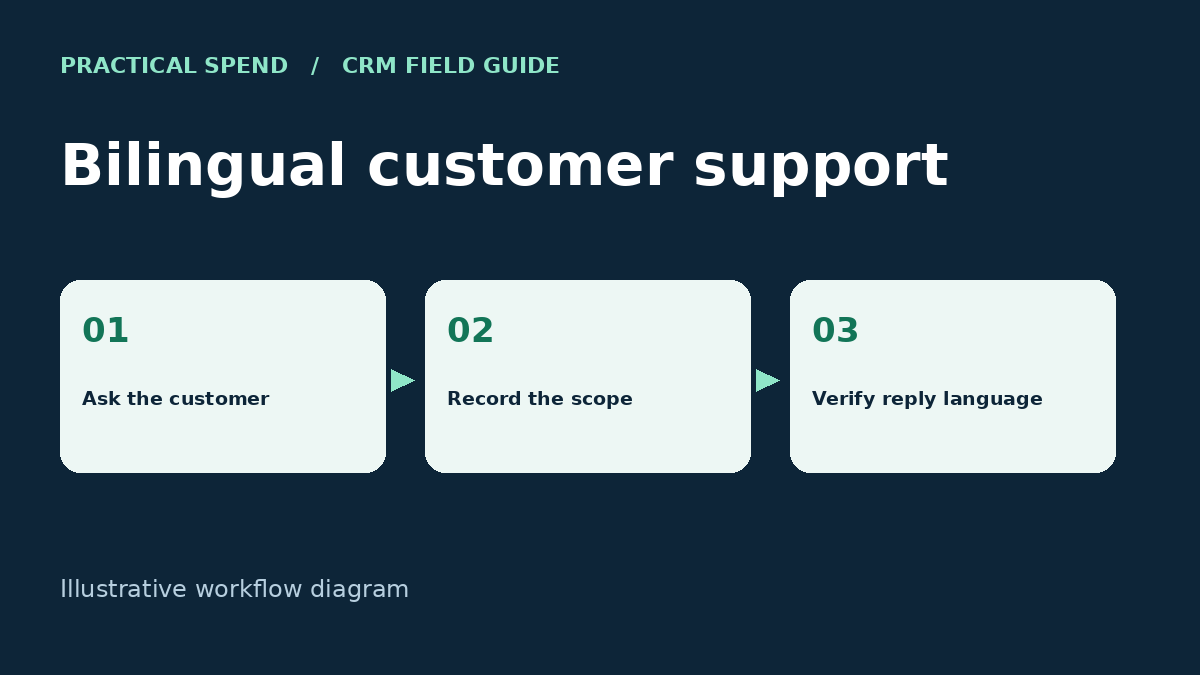
Ask a question the customer can answer quickly
A support team might ask, “Would you prefer Korean or English for replies about this case?” When the business can reliably offer both languages, a brief Korean version can accompany the English one. If the customer requests a language the team cannot cover, explain the available options and agree on a next step. Keep the question optional unless a choice is genuinely necessary to provide the requested service.
Keep the language and the scope together
| Customer says | Support record |
|---|---|
| “English for this issue, please.” | English for the active case. Leave the profile preference unchanged. |
| “Please use Korean for future support.” | Korean as the stated support preference, with the date and scope. |
| No answer | Unknown. Ask when the choice will affect the reply. |
| “Send the shipping update in English, but speak Korean with our warehouse team.” | Record the instruction on the relevant case or contact and identify which recipient it applies to. |
Record a preference only when it serves the support purpose and your processing basis and policy allow it. Keep separate fields for language and contact channel. A language preference is a service instruction. Any promotional use needs its own review and evidence.
Make the next handoff easy to follow
When the first agent hands off a case, pass along the chosen language, next action, and the promised update time. Use short approved templates for routine replies. Ask a fluent reviewer to check translations involving a remedy, price, or commitment before sending. Kakao documents saved replies on PC for 1:1 chats. Test whether staff can find the correct template without relying on an unverified product integration.
Test with two fictional conversations
For the first case, set a long-term preference and give the case to a different agent. Verify that the outgoing reply uses the right language. For the second, request a one-off language change and confirm the general preference is preserved. Include a shared company account in training if staff need to distinguish the requester from the person receiving the update.
FAQ
Should I store nationality to choose a language? Ask directly about the support reply. Record the preference itself if it is necessary for the service purpose.
What if the customer switches languages mid-conversation? Ask whether they want the new language for this case or for future support, then update the appropriate field.
Official sources and evidence
Checked November 10, 2026 (KST). The listed findings are documentation-based. Examples and workflow decisions are editorial recommendations.
- Korean National Law Information Center — PIPA Article 16 — Minimum necessary collection for the applicable purpose under Article 15(1). It does not prescribe a language field.
- Kakao Business — Chat operations — Documents notes and saved replies on PC. The proposed CRM language fields are separate workflow recommendations.
Verification record
- No live account, customer, transaction, or import tests were performed. Examples use fictional data.
- Unverified in practice. Confirm the business’s processing basis, actual field permissions, and bilingual staffing.
- Search demand and keyword difficulty were unmeasured.