To cancel a KORAIL train booking, first identify the seller on your confirmation. KORAIL provides an English ticket lookup and a My Ticket area in its app, but the correct cancellation route depends on where you purchased the ticket. Use your booking’s current terms rather than assuming that every ticket has the same refund rules.
Find the seller and the booking
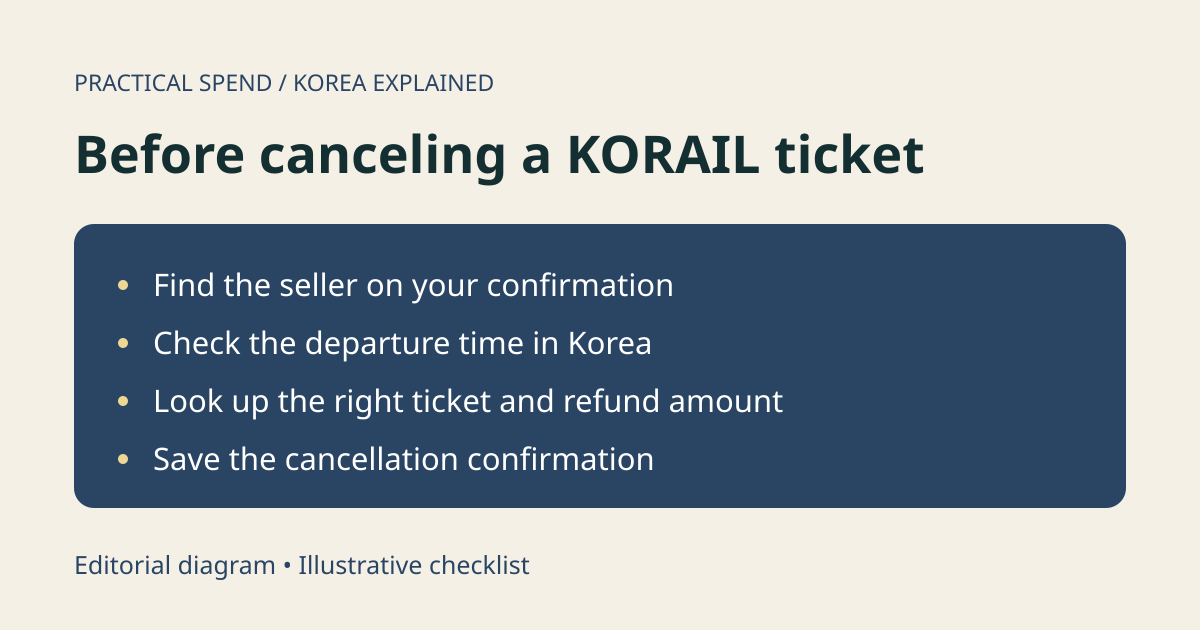
Open the original confirmation and note the seller, passenger, train number, journey date and departure time in Korea. For a return journey or a booking with several passengers, identify exactly which ticket you intend to cancel. Do not cancel the whole booking by mistake when only one traveler’s plans have changed.
The operator’s Korail+ app listing describes a My Ticket section. KORAIL also provides an English Check/Refund Ticket lookup. Use the official booking channel and the details requested on its form. A lookup option is not proof that every ticket sold through another company can be changed there. If a travel agency or reseller took the payment, start with that seller’s cancellation instructions.
Read the refund before confirming
Keep the scheduled departure time visible while checking your options. Do not assume that a cancellation request remains available indefinitely. If the booking cannot be found or the instructions are unclear, contact the seller promptly through the contact details in your confirmation or its official help page.
When the booking channel presents a refund amount, compare it with the original payment and read any explanation of deductions. Check that the passenger, journey and currency are correct. If the amount or scope is unclear, ask the seller before confirming. This guide does not provide a cancellation-fee table because the applicable terms must be checked for the actual ticket.
KORAIL announced a limited post-purchase fee waiver in an October 8, 2026 service update. That announcement is not a guarantee that your ticket qualifies. Do not plan around a waiver unless the current terms for your booking and sales channel confirm it.
Save evidence and check the outcome
After submitting the cancellation, save the confirmation, ticket reference, date and any stated refund amount. Check that the booking channel actually shows the intended ticket as canceled; closing a form or sending an inquiry alone is not confirmation.
If the seller confirms cancellation but a card credit has not appeared, keep that confirmation and ask the seller and card issuer about the next step. Do not assume a specific posting time. If you are using a KORAIL Pass rather than an individual journey ticket, consult the Pass-specific terms instead of treating this checklist as its refund policy.
Scope and limitations
No fare was purchased or canceled. Refund fee and card posting time for a specific booking, English phone availability, and whether any fee waiver appears in a particular foreign-language sales channel were not verified. Recheck when canceling.
Official sources
- KORAIL, booking lookup in English — Checked November 14, 2026. Confirms the English Check/Refund Ticket form and its fields. Compatibility with every sales channel was not confirmed.
- KORAIL, Korail+ app listing — Checked November 14, 2026. The operator’s listing confirms My Ticket and multilingual support. The exact refund controls were not exercised.
- KORAIL, October 8, 2026 service update — Checked November 14, 2026. Confirms that a limited post-purchase waiver was announced. This draft leaves ticket- and channel-specific eligibility to the provider.