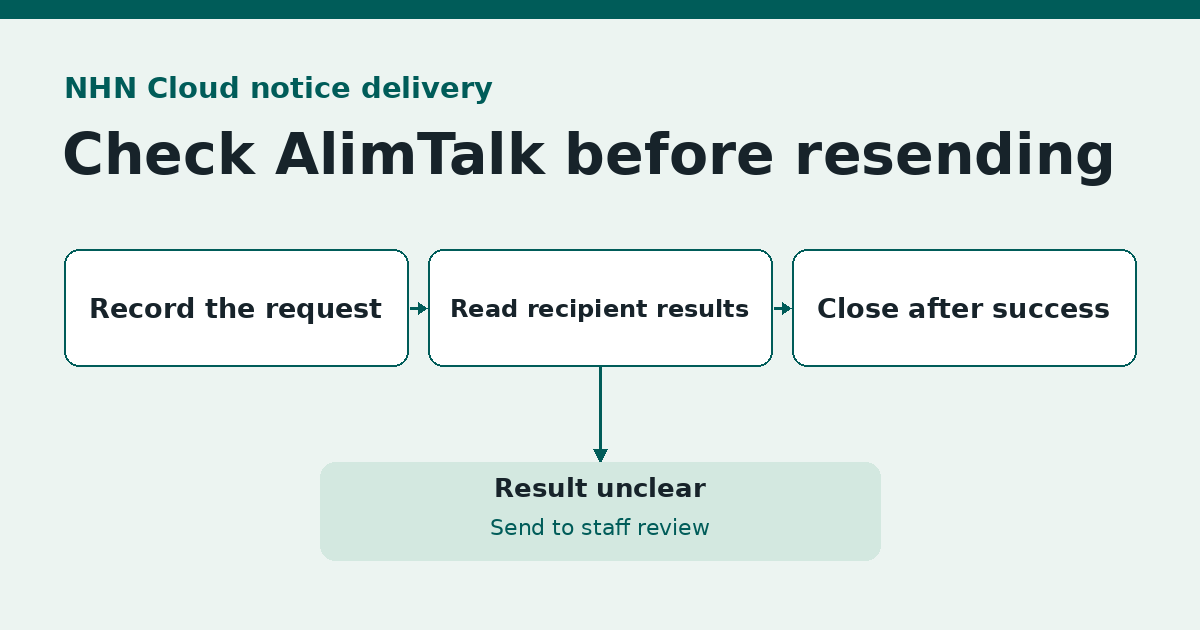
If NHN Cloud reports that a Kakao AlimTalk order notice failed, check the result for that recipient and the SMS or LMS fallback state before resending. When the fallback is queued or in progress, leave the notice in review and let the provider’s result settle. That keeps an operator from sending a second text while the first one is still being processed. [1][2]
Keep the original request and recipient result together
Use this workflow only for transactional notices that your shop already sends through an approved setup. When the sending service returns its identifiers, store the internal notice reference, provider request ID, and recipient sequence together. Use that pair for lookup and audit. Keep the recipient’s number and message body out of the general support queue. [1]
Read the per-recipient result with the lookup in the v2.3 guide or refresh updates with its message-results endpoint. An API call that succeeds gives you a response to inspect. Determine the actual outcome from the recipient’s result and fallback fields. The console also distinguishes request status from send results. [1][2]
Map results to staff actions
- Original notice reported successful. Close the notice as provider-reported success. Confirm suppression of any pending manual resend.
- Fallback eligible or in progress. Keep a review deadline and check again. NHN Cloud lists
RSC02as targeted for fallback andRSC03as in progress. [1] - Fallback successful. Close the notice as provider-reported fallback success. Preserve the distinction from an original AlimTalk success and from a customer reading the notice. [1]
- Fallback failed, absent, or unknown. Route an unsuccessful original notice to an operator. Verify the currently configured sender number and SMS service before approving another send. NHN Cloud documents separate charges for SMS or LMS fallback. [1][2]
Recover without sending duplicates
If the initial send timed out before your application recorded an ID, first search the provider console within the request window and compare your dispatch ledger. A timeout leaves delivery uncertain. Keep retries disabled for that case until an operator can reconcile it. Use a stable internal notice key for the same order event so that a staff action and an automated process cannot independently send the same replacement.
Replay fictional cases for original success, fallback in progress, fallback success, fallback failure and lost response. Check that none of those dry runs sends a message. For a later approved test, use a designated staff number and verify the provider state in both API and console before expanding to customer notices.
Official sources and claim checks
Documentation opened and checked on November 16, 2026 (KST).
- The result schema exposes requestId, recipientSeq, AlimTalk result fields and alternative delivery fields. The fallback table distinguishes eligible, in progress, successful, failed, and not targeted. NHN Cloud AlimTalk API v2.3
- Alternative delivery depends on the configured SMS service and sender number. Fallback SMS or LMS is charged separately, and request and send results appear separately in the console. NHN Cloud AlimTalk console guide
Testing and limitations
No KakaoTalk, NHN Cloud or SMS account was used. Actual account charges, template approval, provider timing, and handset delivery were not tested. The workflow and test cases are documentation-based examples with synthetic data.