Before printing labels or naming a Korean storefront, use the free KIPRIS trademark database to search for the proposed name and plausible variations. KIPRIS is Korea’s public intellectual property search service. It offers an English interface and displays information on published trademark applications and registrations. Treat the results as a preliminary check before spending money on the name.
Make a short list of search terms
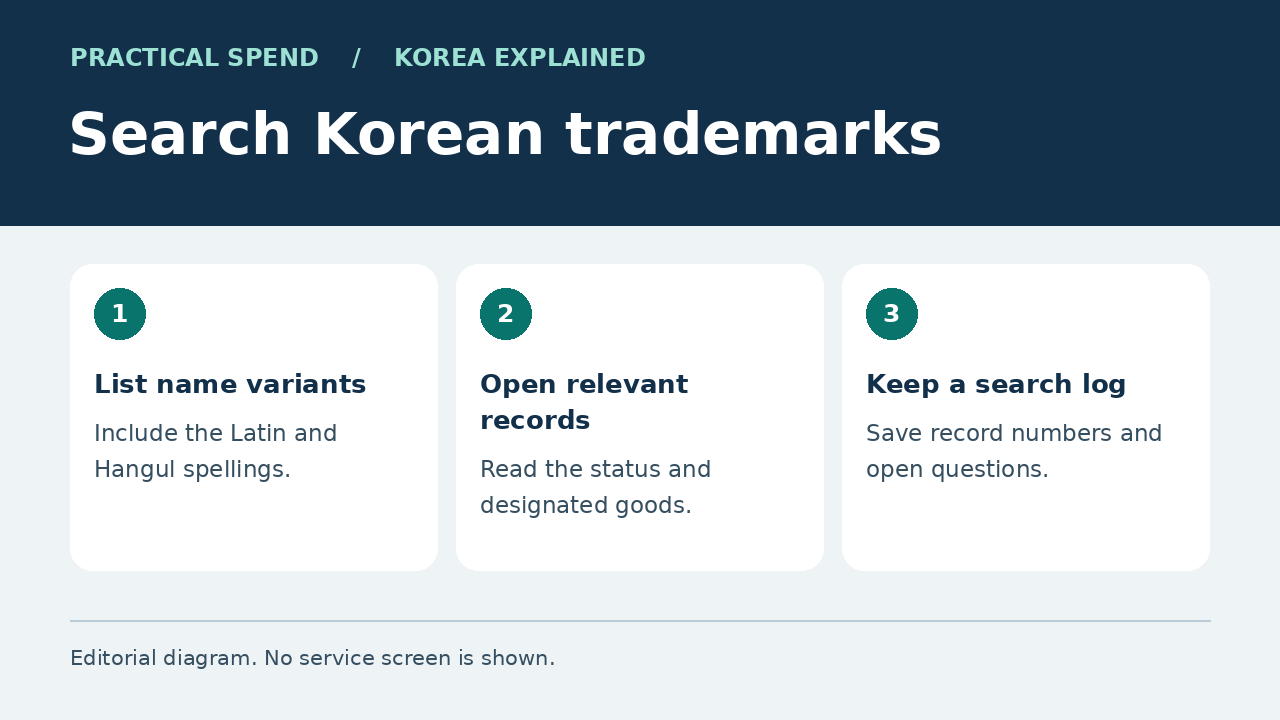
Write down the exact name, its most likely Hangul spelling, and plausible differences in spacing or spelling. If you expect customers to say the name aloud, consider how they might write what they hear. Start with the plain word mark even if you also plan to commission a logo. This list is a way to structure your search. It does not determine how an examiner would assess similarity.
Open KIPRIS and choose Trademark under IP Search. On the Korean interface, 상표 means “trademark” and 상표명칭 means “trademark name.” Try the exact text first, then run each variation separately. If you use the exact-match filter, do a broader pass as well so you can review spelling variants.
Read the record before drawing a conclusion
Open close matches and note the mark, application or registration number, and the status shown in the database. Look for 지정상품, the designated goods or services associated with the record. The category label is a useful starting point. Read the specific goods and services too so you can explain how they relate to what you plan to sell.
If your project involves both a product line and a service, write down each separately. Record the terms you searched, the search date, and the record numbers for any match worth another look. A dated log makes it easier to hand the search to someone else or repeat it after a name change.
Decide which records need a closer look
If a close match appears, save the record before deciding whether to keep investing in the name. For help with search fields, use the KIPRIS support guide. If the decision depends on whether a mark can be used or registered, seek a qualified review of the relevant records. Korea’s IP customer center explains that the official examination determines registrability. The public database is accessible to foreign users. This guide covers searching public records, with filing eligibility and representation outside its scope.
Official sources and verification
- KIPRIS public search and KIPRIS trademark search help support the Trademark section, match fields, record numbers, and designated goods fields. Checked November 11, 2026 (KST).
- Korea’s IP Customer Center: how to search IP information supports free access, searchable application and registration information, and the role of official examination. Government KIPRIS update confirms language switching for Korean and foreign users. Checked November 11, 2026 (KST).
- Hands-on status: No candidate brand was searched, and no clearance or filing was performed. Search results and statuses may change. Recheck the current records before making a brand decision.