When a Korean business replaces the connection behind a Power Automate solution reference, first identify every dependent flow and the account and locations the new connection will use. Wait for the reference update to complete, then test the affected paths before resuming jobs. A saved reference is only one part of restoring the workflow. Microsoft documents asynchronous updates and connection permissions for enabling flows. [1]
Inventory the dependency before changing it
Record the environment, solution, connection reference, underlying connector account and affected flows. For each dependent flow, list the intended input and output locations. A supplier spreadsheet, SharePoint site or mailbox can have a similar name in another environment, so verify its identity.
Confirm this is a solution-aware flow using a connection reference. Microsoft explains that flows added from outside a solution do not automatically upgrade to references. Route direct-connection flows through their own verified change procedure. [1]
Test a replacement with controlled outputs
- Create or select an approved connection in the test environment. Have its authorized owner confirm the resources the connector can access.
- Map the test reference and inspect the platform’s update progress. Keep dependent test actions under observation until the asynchronous change finishes. [1]
- Run a fictional supplier input through each materially different flow path. Verify the actual source, destination, actor and output record. Use an isolated output and prevent customer sends, production file moves or billing.
Confirm that the person enabling a flow owns or is permitted to use all required connections. Microsoft documents this prerequisite and specific sharing limitations, so avoid assuming that a flow co-owner automatically has access to every connection. [1]
Cut over and reconcile queued work
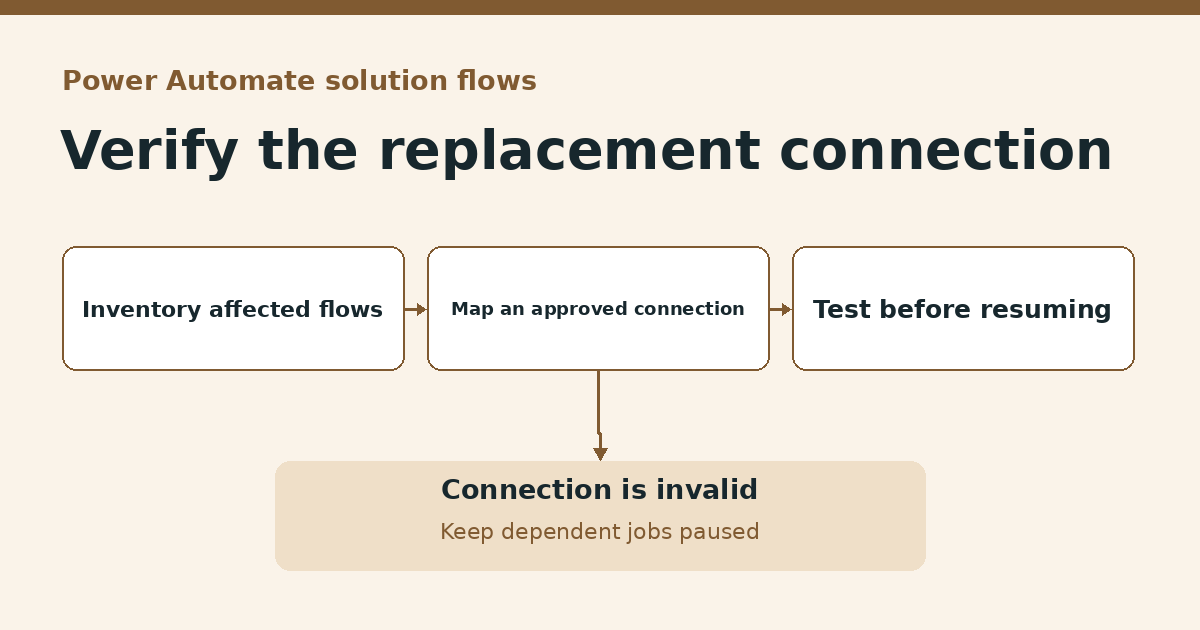
Pause the affected production intake during the planned change. Preserve pending input references and any already completed outputs. Apply the approved mapping, verify completion and test one controlled production path where authorized. Resume the queue only after its source and destination agree with the change record.
If the connection remains invalid, inspect or repair the underlying connection before repeatedly enabling the flow. When considering rollback, check whether the old connection still works and reconcile actions that may have run under the replacement account. Use one accountable change record for the switch and its verification. [1]
Simulate an invalid connection, a user lacking enablement permission and a flow pointing to an unintended test folder. Check that each prevents resumption and leaves its queued input available for recovery.
Official sources and claim checks
Official source content opened and checked on November 21, 2026 (KST). Operating procedures, safeguards and synthetic test cases are editorial recommendations derived from the documented behavior.
- The reference distinguishes a connector connection from a solution connection reference, documents asynchronous reference updates, and describes the permission needed to turn on dependent flows. Microsoft connection references in solutions