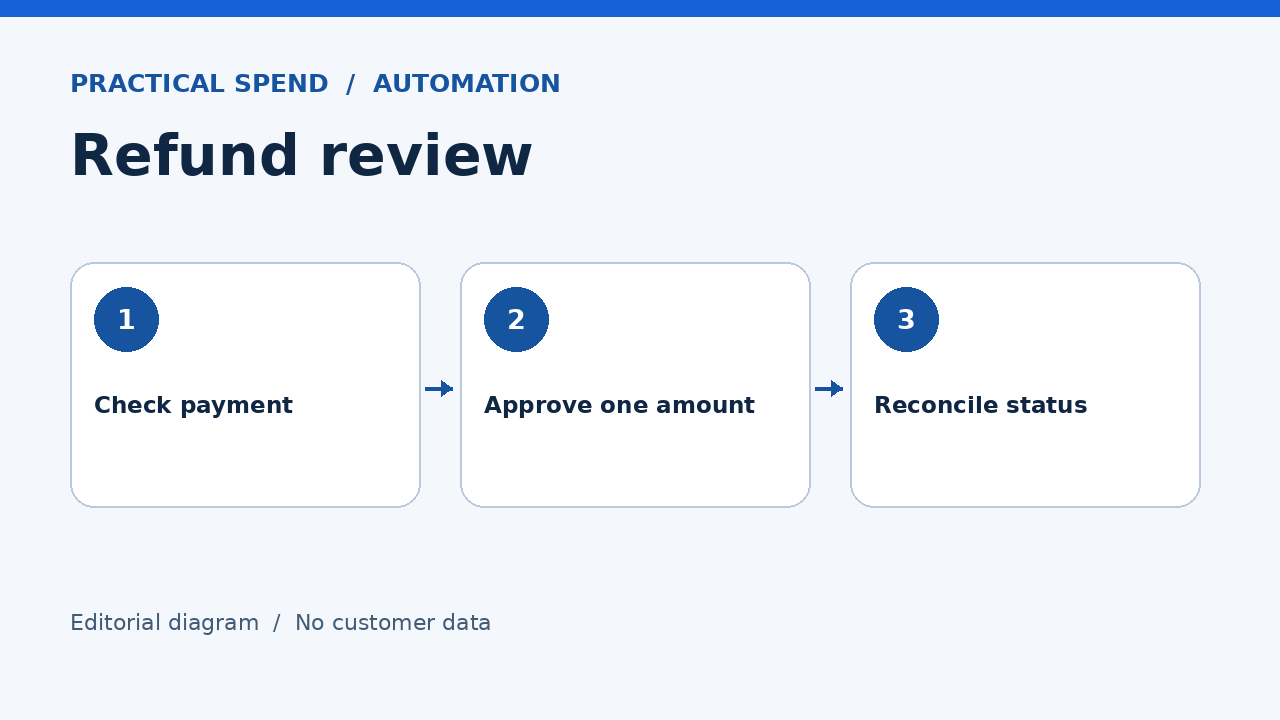
Which parts of a refund can you automate? Let the workflow collect evidence and prepare a proposed action. Require approval for the exact payment and amount, then reconcile the processor’s result before closing the case. The processor used by your business determines the available actions.
Stripe is used here only as a documentation example, not a recommendation that it is available to every Korea-based business. Check your payment provider’s availability, contract terms, and refund fees before implementation.
Prepare the review case
Start from a support case or approved internal request. Fetch the original payment by provider reference and inspect prior refunds and the remaining eligible amount. Show the reviewer the amount, currency, reason, and whether it is a partial or full refund. Keep credentials and card information out of the case and notification. Use an internal case link and limit who can open it.
Bind the approval to a single operation
Record the reviewer and the exact payment and amount approved. A change to any of those inputs requires review again. Recheck the provider’s remaining refundable amount before submitting, since a refund may have been issued elsewhere. Give the approved operation a stable ID and persist it before submitting. Where supported, use the processor’s idempotency mechanism for the same operation. Stripe documents idempotent POST requests and how keys behave. Check the key lifetime and provider guidance before retrying an ambiguous result. Never retry a timed-out request as a new refund until the earlier result has been checked.
Reconcile provider status
A request accepted by the API may still be pending or later fail. Record the refund reference and read the current status from the payment provider. If the result is unclear, keep the case open for review. Confirm the actual outcome before closing the support case or sending a message that says the refund is complete. Do not send a second refund just because the accounting entry is missing.
Test before enabling real refunds
Use an approved test environment, fictional payments, and a disabled customer message route. Exercise a partial refund, duplicate approval, timeout, and a failed or pending outcome. Review that the workflow produces a single intended refund and the correct case status.
Official sources and evidence
Checked November 10, 2026 (KST).
- Stripe — Refund and cancel payments — Official documentation describes refund submission, partial refunds, and possible pending or failed outcomes.
- Stripe API — Idempotent requests — Official documentation describes replay protection and key behavior.
Verification notes
Evidence confirmed: The claims mapped above reflect the cited official documentation or legal text.
Editorial recommendation: Workflows, checklists, and examples are proposed operating practices.
Hands-on testing: None. Examples are synthetic.
Unverified: Stripe is a documentation example. No processor was connected, no funds moved, and local provider availability, contract terms, and refund fees remain unverified.