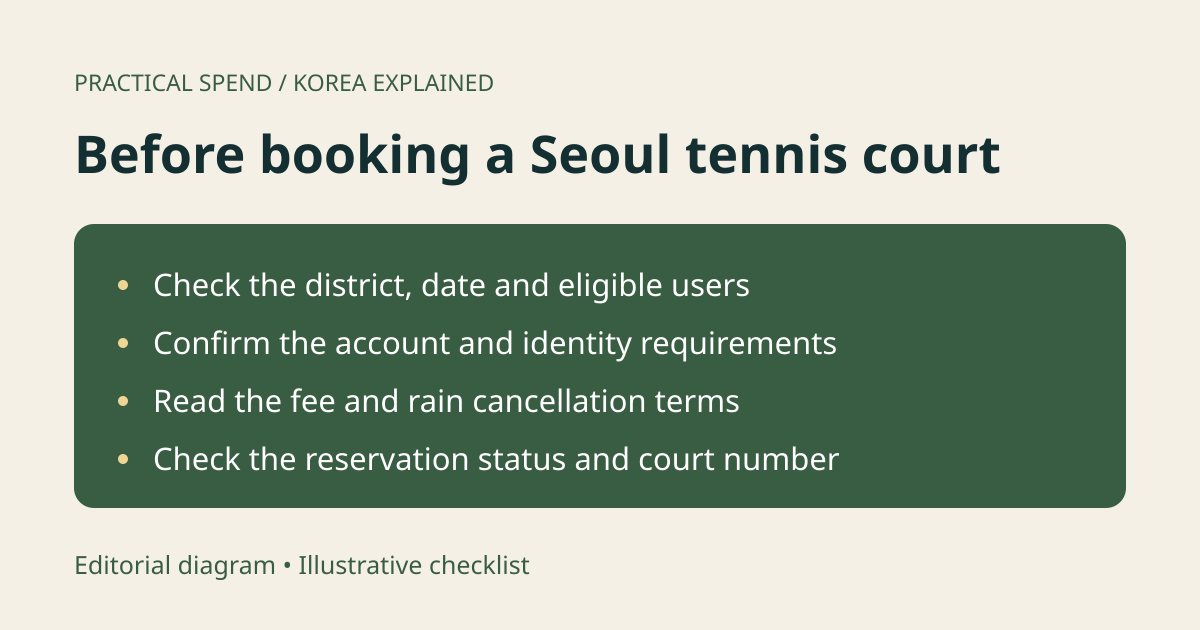
Start on Seoul’s public reservation portal under Sports → Tennis court. Filter by the district and date you can use, then open the exact session to check who can book, what you will pay, and when you can cancel. The city has a foreign-member signup route, but account access and eligibility for a particular court are separate checks.
Find a court you can use
The English tennis search lets you filter by region, service dates, status, and whether there is a fee. Look at the service date and application period separately. Check 이용대상 (eligible users), the session length, and the address. Some listings limit bookings to residents of a specific district. If you see a residency restriction, ask the facility whether your address qualifies and what proof it accepts from foreign residents.
Sign in and read the booking terms
Use the city’s member signup page if you need an account. Choose 외국인회원 가입하기 (foreign-member signup) and check which verification methods it offers for your situation. The reservation portal’s login guidance says guest login cannot be used to complete reservations. If an individual listing appears to offer a guest route, ask the portal help desk or facility which instruction applies before counting on it.
Read 이용요금 (usage fee) and 취소·환불 (cancellation and refund) on the listing before entering payment details. One archived Seongnaecheon listing includes a Songpa-resident restriction and gives different refund thresholds in the main text and notice. This is a practical reason to confirm the current policy with the facility if the page has conflicting instructions, especially for rain cancellations and local-resident discounts.
Check the booking before leaving home
After booking, open My Reservation Details and check that your slot is confirmed, particularly if you began on a waitlist or the facility requires payment to finalize the reservation. Save the date, court number, booking status and facility contact. Ask what identification to bring and whether the named booker must attend.
Use the phone number on the listing for court rules and on-the-day decisions. The portal lists 02-2126-4647 as its weekday help desk. For general public-facility questions in English, call Seoul’s 02-120, then 9 and 1, on weekdays from 9 a.m. to 6 p.m., excluding public holidays.
Scope and limitations
Foreign-member activation, court-specific proof of residence and accepted ID, overseas-card acceptance, available slots, and actual booking and cancellation were not tested. Recheck the live listing and contact the facility before committing.
Official sources
- Seoul Public Service Reservation, tennis court search — Checked November 14, 2026. Supports English navigation, filters, reservation details and the portal help number.
- Seoul Metropolitan Government, integrated member signup — Checked November 14, 2026. Shows a dedicated foreign-member signup path. Account eligibility for specific identity documents or phone plans was not established.
- Seoul Public Service Reservation, portal login — Checked November 14, 2026. The official login guidance says guest reservations are disabled.
- Seoul Public Service Reservation, archived Seongnaecheon example — Checked November 14, 2026. Illustrates facility-specific eligibility, waitlist, ID and rain rules, and conflicting template or notice text. This example is historical and should not be used as a current rate or booking offer.
- 120 Dasan Call Foundation, Foreign-Language Consultation — Checked November 14, 2026. Supports the English contact, weekday hours and public-facility inquiry scope.