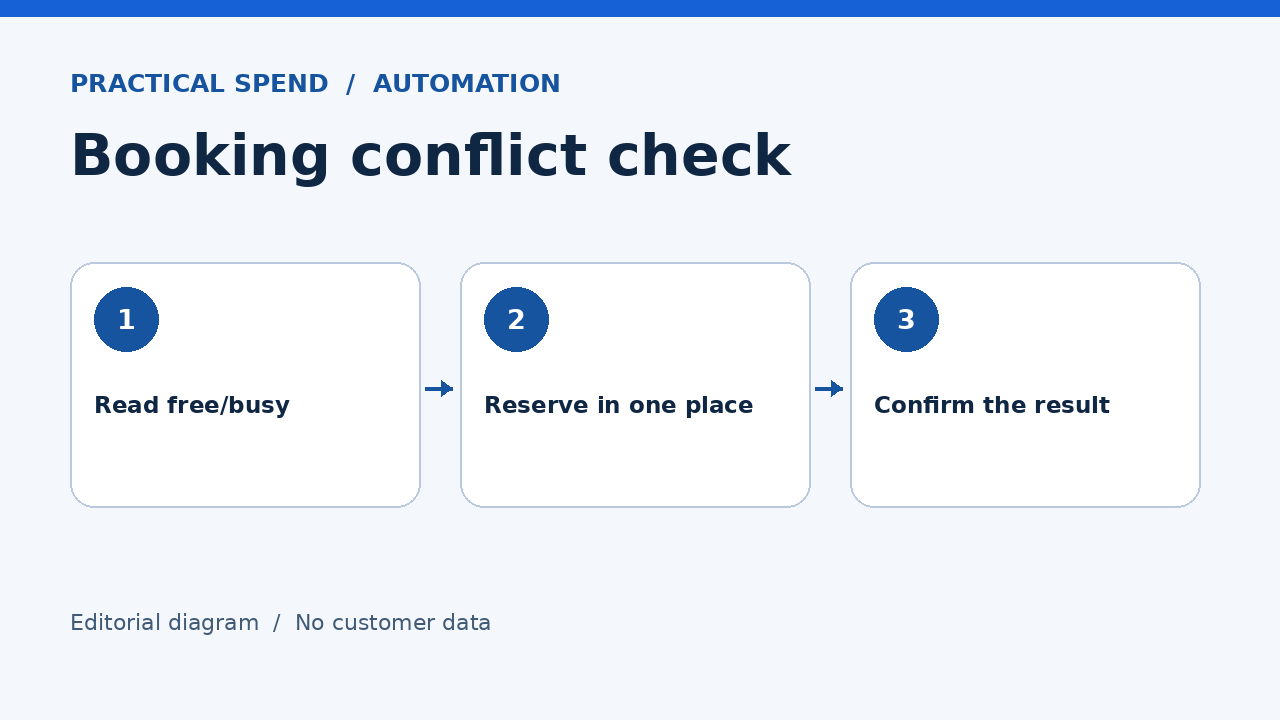
Can Google Calendar availability alone prevent two customers from booking the same slot? Use availability as a check, then reserve the slot in one authoritative system before confirming. Two requests can both see the same free period if they check before either writes.
Define what counts as a slot
Identify the resource, start time, end time, and any buffer for setup or cleanup. Specify whether the slot covers a room, employee, or service bay. For a Korea-based schedule, convert and display times consistently using Asia/Seoul and include the time zone in confirmation previews. Keep a booking reference and a minimal display title in a broadly shared calendar.
Query availability and inspect errors
Google’s Calendar API documents a Freebusy query that returns busy intervals and can include errors for individual calendars. Treat a calendar error as an unknown result. If multiple resources are required, all relevant calendars must return usable results. When different systems own availability, decide which source wins and how changes made by hand are synchronized.
Reserve once and mirror the result
Use an atomic reservation in the booking system. Fixed slots can use a unique resource-and-slot key. Variable-duration bookings need a mechanism that checks and prevents interval overlaps. Once a reservation is confirmed, insert the mirror event and store the returned event ID. Google documents event creation separately from Freebusy. Where a mirror write times out, reconcile the event before retrying. If the calendar mirror is essential to operations and fails, send the case to staff and hold the customer confirmation.
Test the race, not just a free slot
Submit two fictional requests for the same resource and time. Verify that only one receives a confirmed reservation. Try a calendar error, a failed mirror write, and a duplicate request. Use a private test calendar and suppress invites and customer sends throughout the exercise.
Official sources and evidence
Checked November 10, 2026 (KST).
- Google Calendar API — Freebusy query — Official API reference documents busy intervals and per-calendar errors.
- Google Calendar API — Events insert — Official API reference documents event creation and notification options.
- Korea Law Information Center — PIPA Article 16 — Official text supports limiting collection to what the purpose requires.
Verification notes
Evidence confirmed: The claims mapped above reflect the cited official documentation or legal text.
Editorial recommendation: Workflows, checklists, and examples are proposed operating practices.
Hands-on testing: None. Examples are synthetic.
Unverified: No booking system, concurrent request, calendar connector, or invitation was tested.