How many tasks will a Classic Zap use each month? Count the successful actions on each route, multiply by how many items take that route, and allow for extra actions from replays and error handling. Use Zapier’s current metering rules for the workflow type you run.
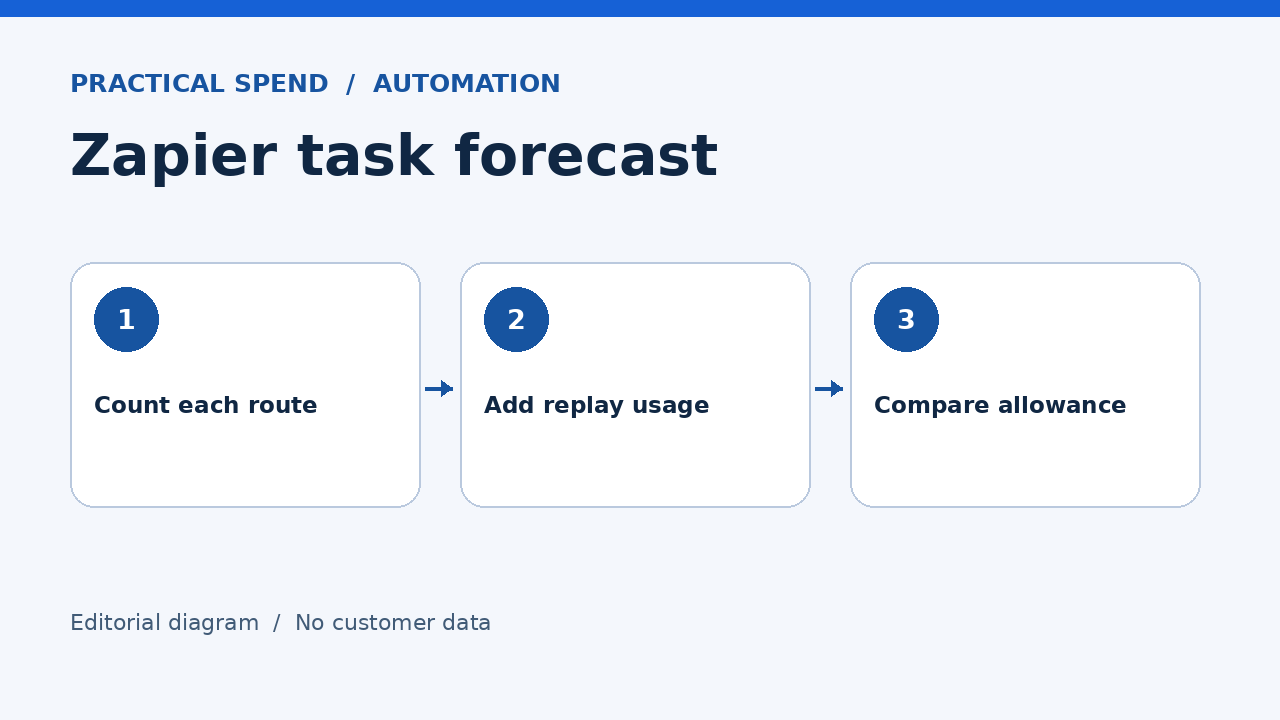
Count successful actions by route
Draw the path from trigger to destination. Zapier documents that triggers, Filter steps, and Paths steps do not count as tasks for Classic Zaps, while successful actions generally do. Check its exceptions for built-in tools and its rules for sub-Zaps. List the action counts for each outcome before combining the totals.
For a hypothetical appointment inquiry workflow, assume 120 eligible inquiries each use one successful database write and one internal notification. Suppose 30 other inquiries each use one successful review-list write. With those assumptions the monthly base is 270 tasks. The example is a planning calculation using fictional volume. If a full replay successfully reruns one of the writes, include that repeated action in your forecast. Do not double-count an inquiry across routes unless its workflow actually takes both.
Compare the estimate with the account allowance
Add expected peak-month traffic and exceptional routes. Compare the result with the plan allowance and current account billing settings. Zapier documents that workflows can be held when limits are reached and that pay-per-task billing may be available. Verify the amount, currency, billing terms, and enabled settings on the account before purchasing. This calculation covers Classic Zaps, whose published rules should be checked separately from Next Gen Zaps and other usage models.
Check real usage safely
Compare the estimate with the account’s usage view after a representative period. Investigate whether extra actions came from routing, recovery, or duplicated runs. Zapier notes that testing an action in the editor can perform the action in the connected app even if the test does not count toward tasks. Use synthetic records and isolated test destinations.
Official sources and evidence
Checked November 10, 2026 (KST).
- Zapier — How task usage is measured — Official docs identify Classic Zap task counts, editor testing behavior, and replay charges.
- Zapier — Zap limits — Official docs describe allowances, held runs, and pay-per-task settings.
Verification notes
Evidence confirmed: The claims mapped above reflect the cited official documentation or legal text.
Editorial recommendation: Workflows, checklists, and examples are proposed operating practices.
Hands-on testing: None. Examples are synthetic.
Unverified: No Zap, plan, or Korean billing account was tested. Sample volumes and calculated tasks are illustrative.