When two buyers use the same company inbox, treat the address as a contact route for that company. Keep separate records for the people whose responsibilities or histories you need to track. In HubSpot, contact matching uses email, so reusing a shared address on an import can cause the wrong person’s record to be updated.
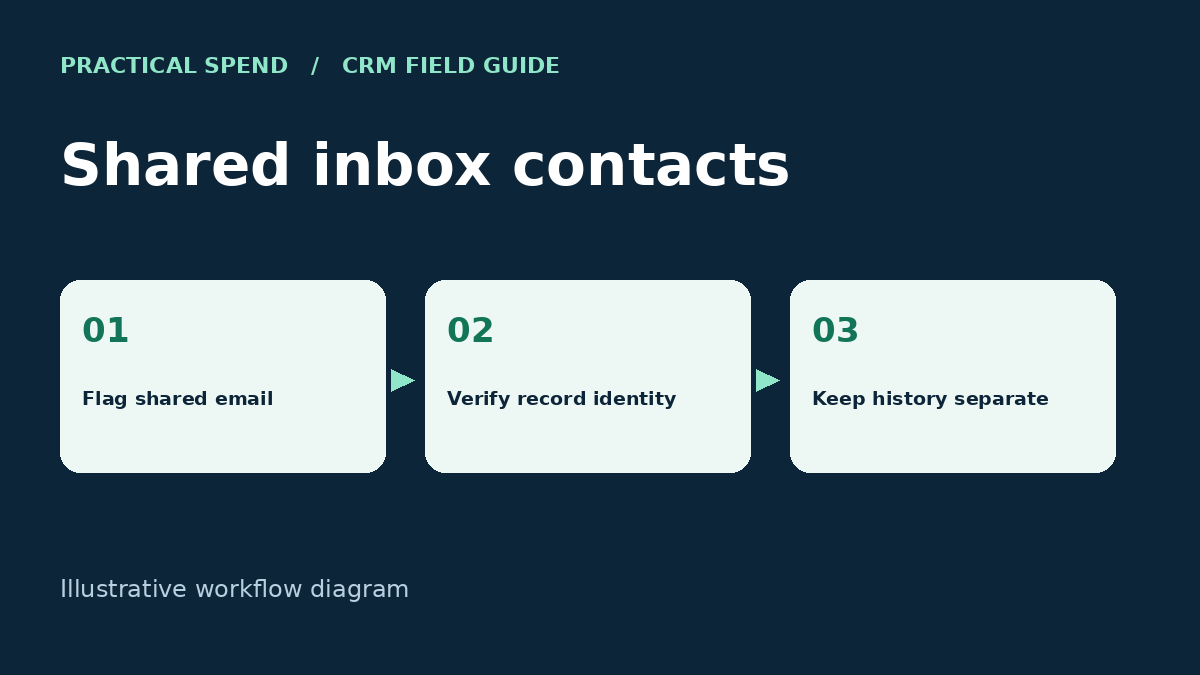
Decide what the address represents
Use a fictional purchasing team as a model. One person approves orders and another books delivery, but both use the same role inbox. If you need that inbox for invoices or order updates, record it as a company-level contact route in an approved field or internal workflow. Keep each person’s role and history on the appropriate contact record. Add a unique business email only where it is verified and needed for the stated purpose.
| What you know | How to record it |
|---|---|
| Only a shared mailbox is known | Record the route with the company and mark personal identity unresolved. |
| Two people share a role inbox | Maintain distinct histories and confirm which person handled each decision. |
| A person has an approved, unique email | Use it on that person’s record after verification. |
| The role inbox changed hands | Update the contact route and preserve the history under the relevant records. |
Check identifiers before an update
Export the relevant Record IDs from the destination CRM using authorized access. Map approved changes to those IDs. For a contact update, remove the shared mailbox column from the import unless modifying that exact destination field is the intended, reviewed operation. HubSpot documents that an update-only import fails for rows whose unique identifier does not match an existing record. Send those rows to review and reconcile the counts before another attempt.
Test with fictional records
Create two fictional contacts linked to one fictional company. Give them different activity notes and different intended roles. Run one small update against a known Record ID in a permitted test environment. Verify that only the intended record changed and both histories remain separate. Then review how your support and marketing systems interpret the shared address. Keep the company inbox out of promotional lists unless you have a reviewed basis for that use.
FAQ
Should I create a placeholder personal email? Leave the field blank when your setup allows it. Check the requirements for your specific creation or import path and use a reviewed identifier. An invented address can break identity matching or create a delivery problem.
Can I treat an exact email match as proof of identity? An exact match identifies the mailbox. Confirm the person independently when the mailbox is shared, transferred, or managed by a team.
Official sources and evidence
Checked November 10, 2026 (KST). The listed findings are documentation-based. Examples and workflow decisions are editorial recommendations.
- HubSpot — Deduplicate records — Documents email-based contact matching and Record ID as an import identifier.
- HubSpot — Troubleshoot record import errors — Documents update-only errors when unique identifiers do not match existing records.
- Korean National Law Information Center — PIPA Article 16 — Establishes a minimum-necessary collection rule for covered collection under Article 15(1).
Verification record
- No live account, customer, transaction, or import tests were performed. Examples use fictional data.
- Unverified in practice. Confirm fields, identifier options, and behavior in the target HubSpot account.
- Search demand and keyword difficulty were unmeasured.